1
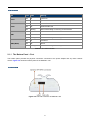
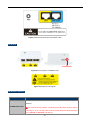
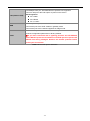
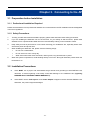
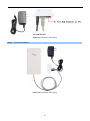
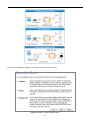
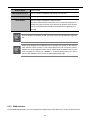
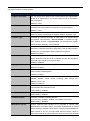
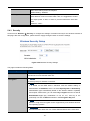
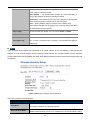
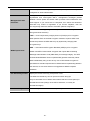
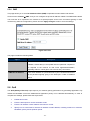
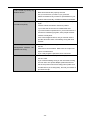
10/100Mbps RJ45 port, auto MDI/ MDI-X & passive PoE supported. Connect LAN port to the PoE injector to power on the device. LAN (Passive PoE) PIN assignment: Pin 4 VDC+ Pin 5 Reset Pin 7, 8 VDC10/100Mbps RJ45 port, auto MDI/ MDI-X. WAN Connect this port to the xDSL modem in gateway mode. Connect this port to the network equipment in bridge mode. Push continually the reset button on the PoE injector about 10 seconds to reset the configuration parameters to factory defaults. Reset ※ If you have connected with a lightning protector like IFS ESP300, please DO NOT press the reset button on the PoE injector to prevent the ESP300 from being damaged. Remove the thunder protector before pushing the reset button. Table 2-2 The PoE Injector Indication -11-