1
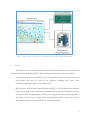
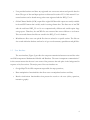
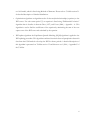
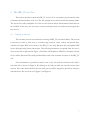
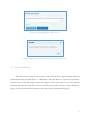
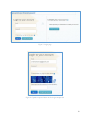
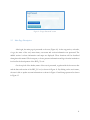
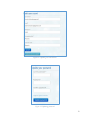
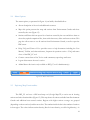
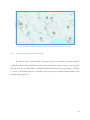
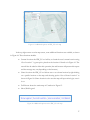
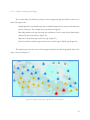
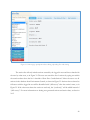
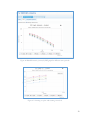
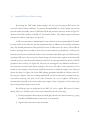
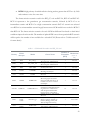
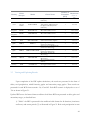
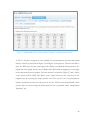
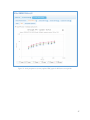
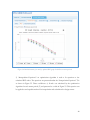
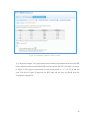
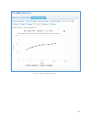
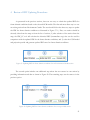
Figure 17. Additional options on IDF_CC tool map In the top right corner over the map screen, some additional functions are available, as shown in Figure 18. These functions include: Current Location: the IDF_CC tool will try to obtain the user’s current location using “Geo Location.” A green pin is placed on the location if found as in Figure 19. The user will also be asked to allow this operation (the web browser will present this request and the message may vary depending on the browser). Home Location: the IDF_CC tool allows user to set a home location by right clicking on a specific location on the map and selecting option “Set as Home Location” as shown in Figure 20. Home location is also were the map will open after login, once it is set. Full Extent: shows the entire map of Canada as in Figure 15. Show/Hide Legend Figure 18. Additional options on the IDF_CC tool map 17