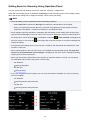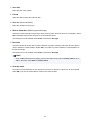
1
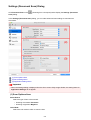
Color Options
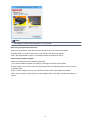
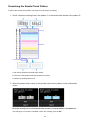
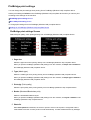
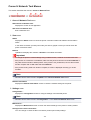
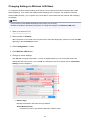
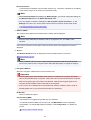
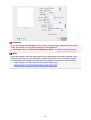
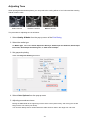
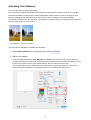
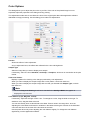
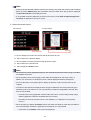
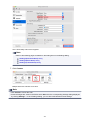
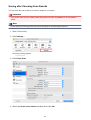
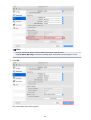
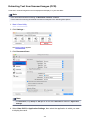
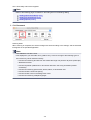
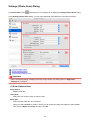
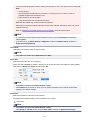
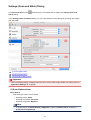
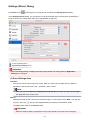
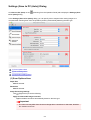
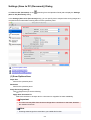
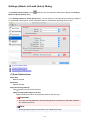
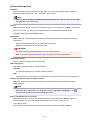
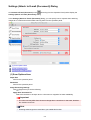
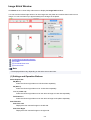
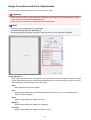
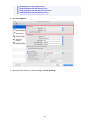
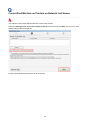
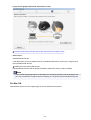
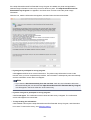
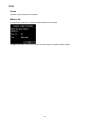
This dialog allows you to adjust the print color as you like. If the color of the printed image is not as
expected, adjust the properties in the dialog and retry printing.
The adjustments made here do not affect the colors of the original print data unlike application software
dedicated to image processing. Use this dialog just to make fine adjustments.
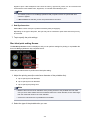
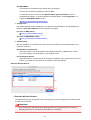
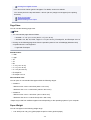
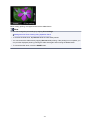
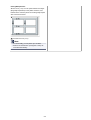
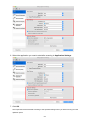
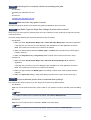
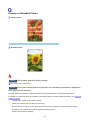
Preview
Shows the effect of color adjustment.
As you adjust each item, the effects are reflected in the color and brightness.
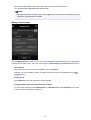
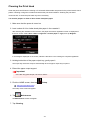
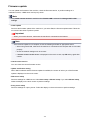
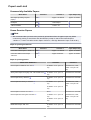
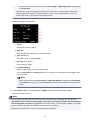
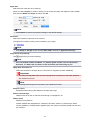
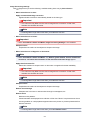
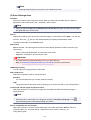
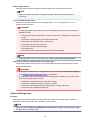
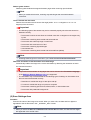
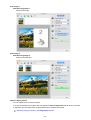
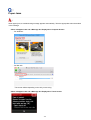
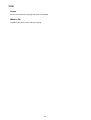
Sample Type
Select an image that you want to display as a sample.
If necessary, select one from Standard, Landscape, or Graphics, whichever is most similar to the print
results.
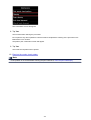
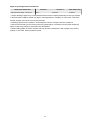
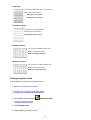
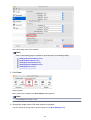
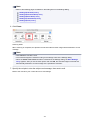
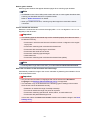
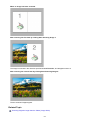
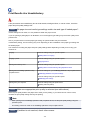
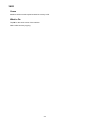
View Color Pattern
Displays a pattern for checking color changes produced by color adjustment.
When you want to display the sample image with a color pattern, check this check box.
When you want to display the sample image with one that you selected with Sample Type, uncheck
this check box.
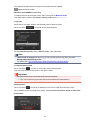
Note
• When the Grayscale Printing check box is checked in the Quality & Media, the graphic is
displayed in monochrome.
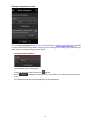
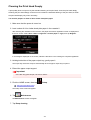
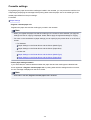
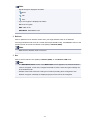
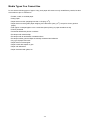
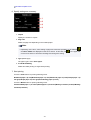
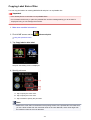
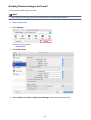
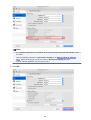
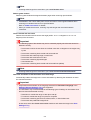
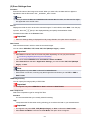
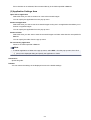
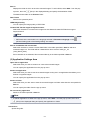
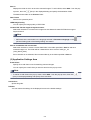
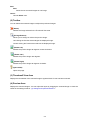
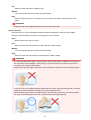
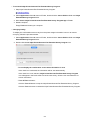
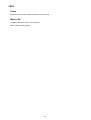
Color balance (Cyan, Magenta, Yellow)
If necessary, adjust the strength of each color. To strengthen a color, drag the slider to the right. To
weaken a color, drag the slider to the left.
You can also directly enter a value linked to the slider. Enter a value in the range from -50 to 50.
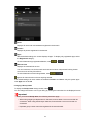
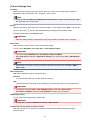
Adjusting the color balance will result in variations in the balance among the volumes of the individual
color inks and hence in the hues of the document as a whole.
Use the printer driver only when adjusting the color balance slightly. To change the color balance
significantly, use the application software.
447