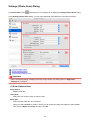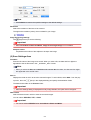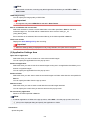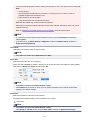
1
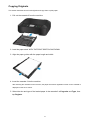
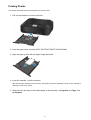
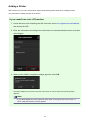
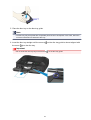
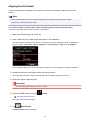
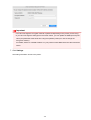
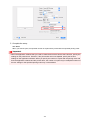
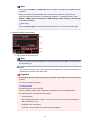
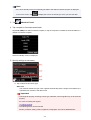
• For information on printable discs, contact their manufacturers.
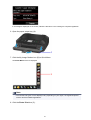
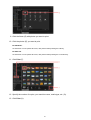
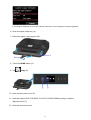
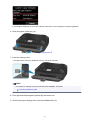
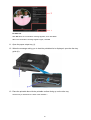
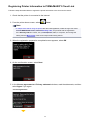
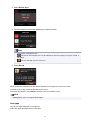
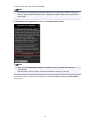
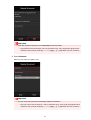
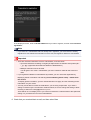
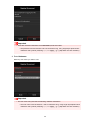
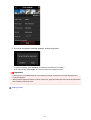
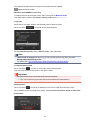
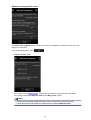
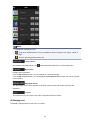
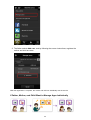
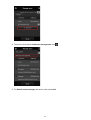
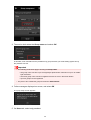
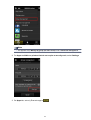
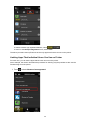
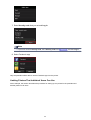
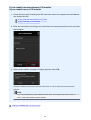
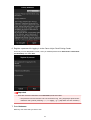
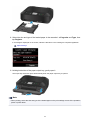
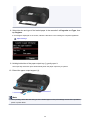
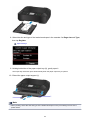
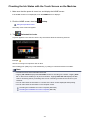
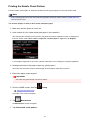
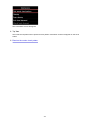
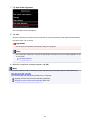
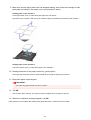
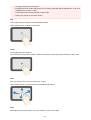
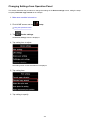
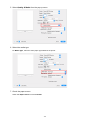
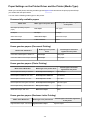
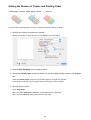
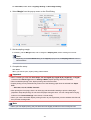
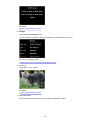
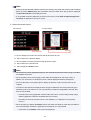
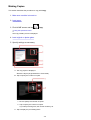
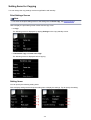
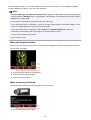
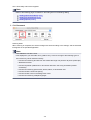
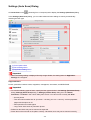
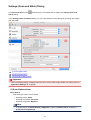
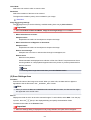
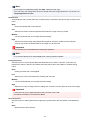
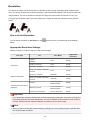
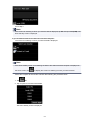
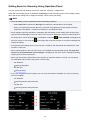
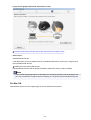
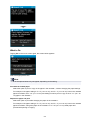
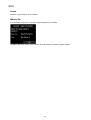
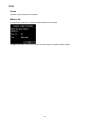
5. Tap printable disc type.
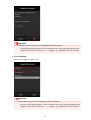
Note
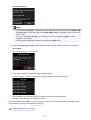
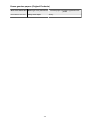
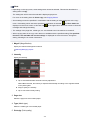
• If your printable disc is the recommended disc, specify Recommended disc for the suitable
density printing. If not, specify Other disc.
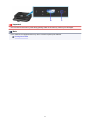
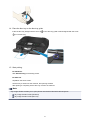
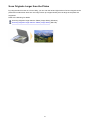
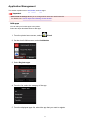
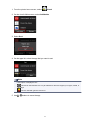
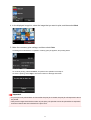
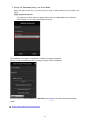
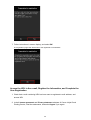
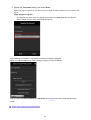
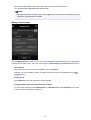
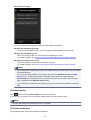
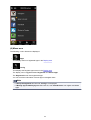
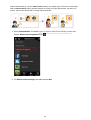
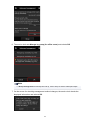
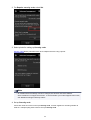
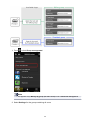
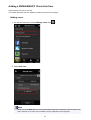
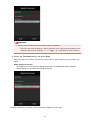
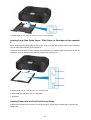
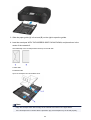
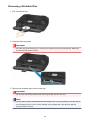
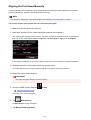
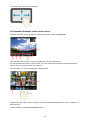
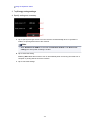
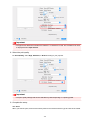
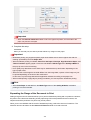
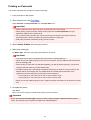
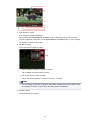
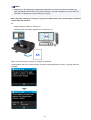
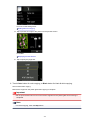
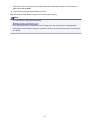
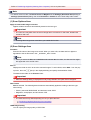
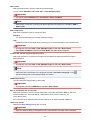
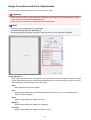
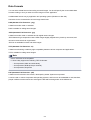
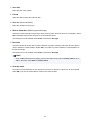
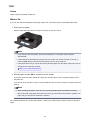
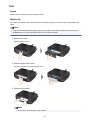
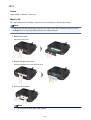
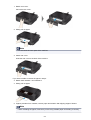
6. Follow on-screen instructions to load copy source BD/DVD/CD on platen glass and tap OK.
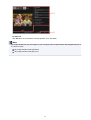
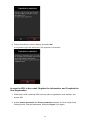
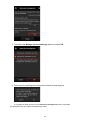
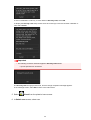
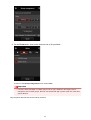
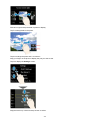
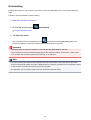
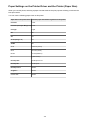
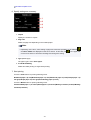
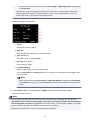
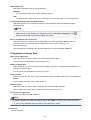
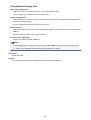
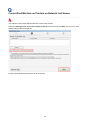
The print setting confirmation screen is displayed.
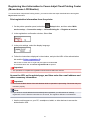
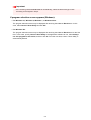
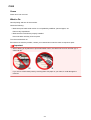
Important
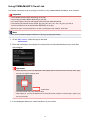
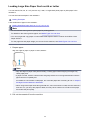
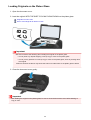
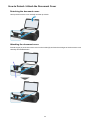
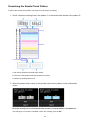
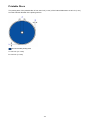
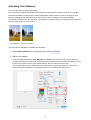
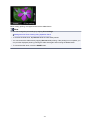
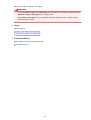
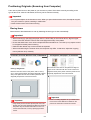
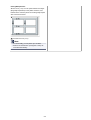
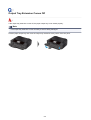
• Be sure to load the copy source BD/DVD/CD with its label side down on the center of the Platen
Glass. If you load it near the edge of the Platen Glass, part of the image may be cut off.
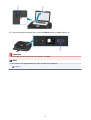
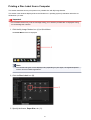
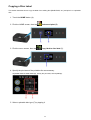
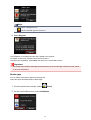
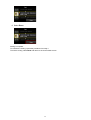
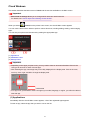
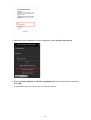
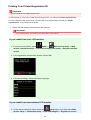
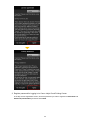
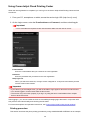
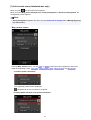
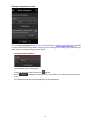
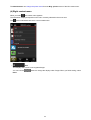
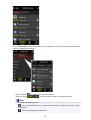
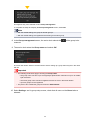
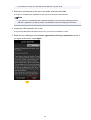
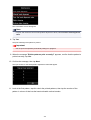
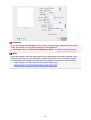
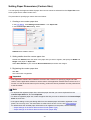
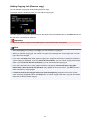
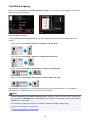
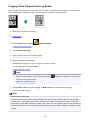
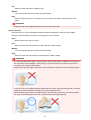
7. After checking print settings, touch Color button for color copying, or Black button for black
& white copying.
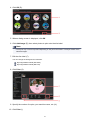
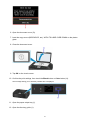
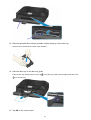
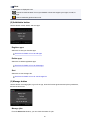
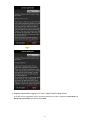
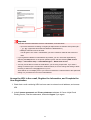
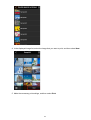
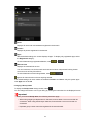
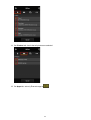
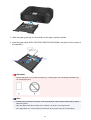
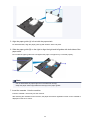
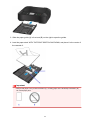
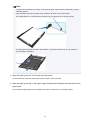
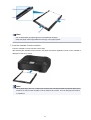
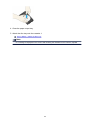
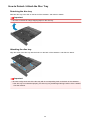
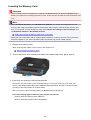
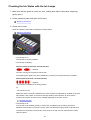
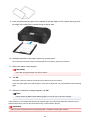
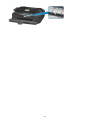
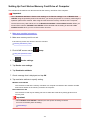
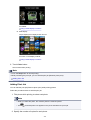
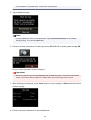
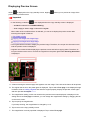
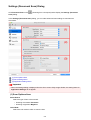
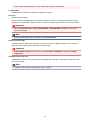
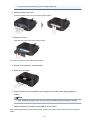
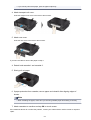
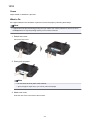
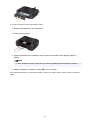
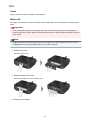
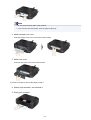
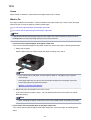
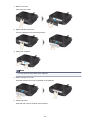
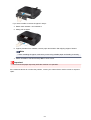
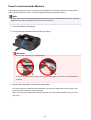
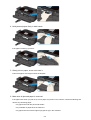
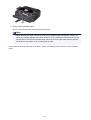
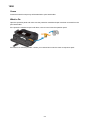
8. Follow on-screen instructions to set printable disc.
524