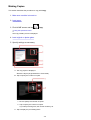
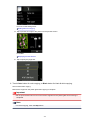
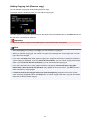
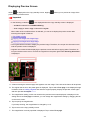
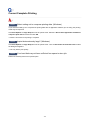
"There is not enough memory." Message Is Displayed
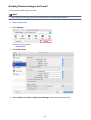
Check 1
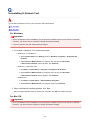
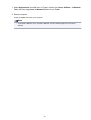
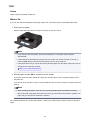
Exit other applications and try again.
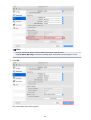
Check 2
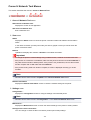
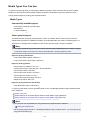
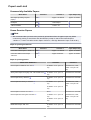
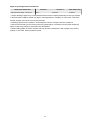
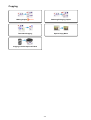
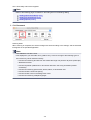
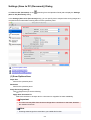
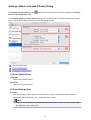
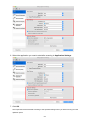
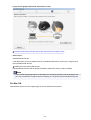
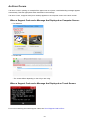
Reduce the resolution or output size and scan again.
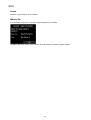
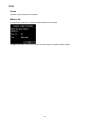
Resolution
781