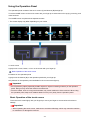
1
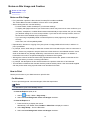
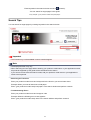
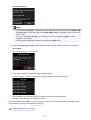
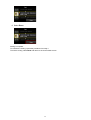
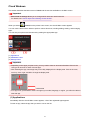
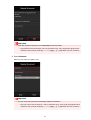
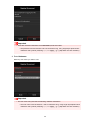
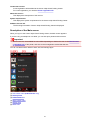
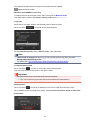
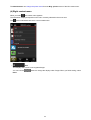
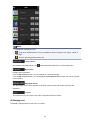
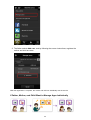
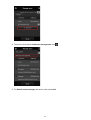
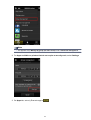
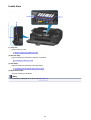
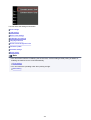
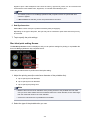
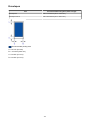
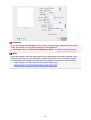
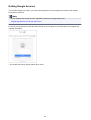
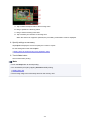
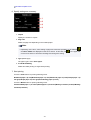
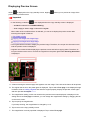
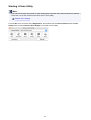
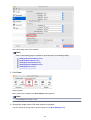
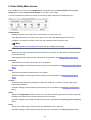
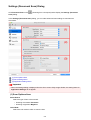
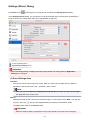
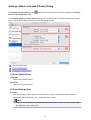
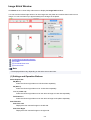
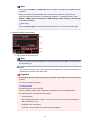
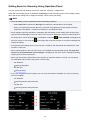
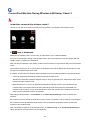
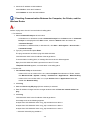
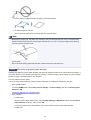
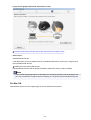
(1) Left context menu (Administrator only)
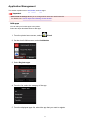
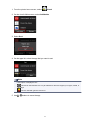
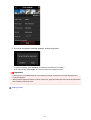
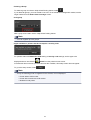
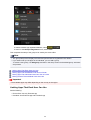
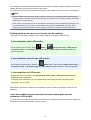
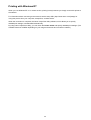
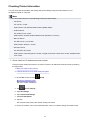
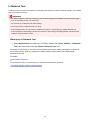
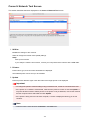
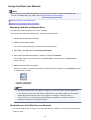
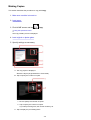
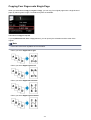
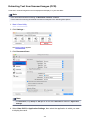
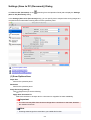
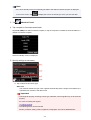
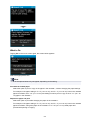
When you select
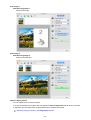
, the left context menu appears.
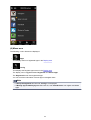
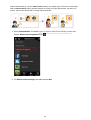
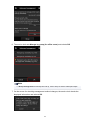
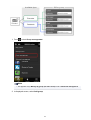
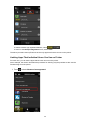
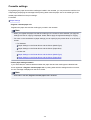
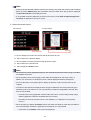
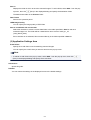
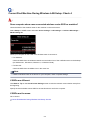
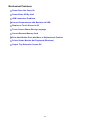
When you select Mng. printer, Manage users, Group management, or Advanced management, the
corresponding screen appears.
Note
• Group management appears only when you use Select how to manage and set Manage by group
(for office users).
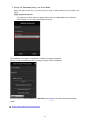
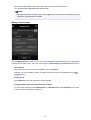
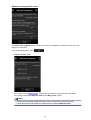
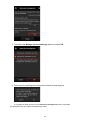
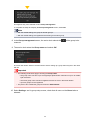
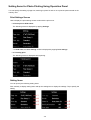
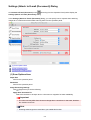
Mng. printer screen
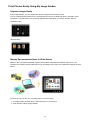
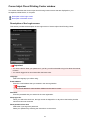
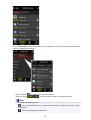
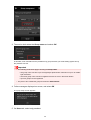
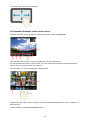
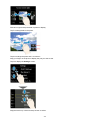
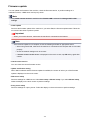
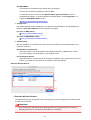
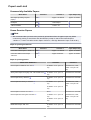
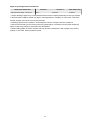
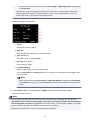
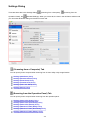
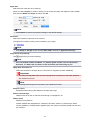
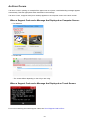
From the Mng. printer screen, you can check or update printer information registered to the Canon
Inkjet Cloud Printing Center, copy apps, change printer names, delete printers, and add printers.
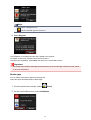
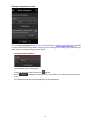
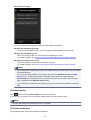
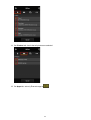
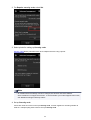
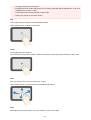
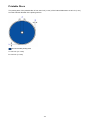
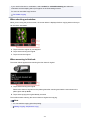
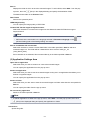
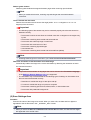
• Check the printer information
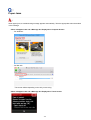
The registered printer name is displayed.
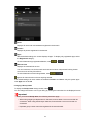
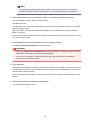
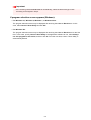
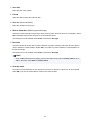
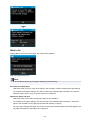
indicates that an error occurred on the printer.
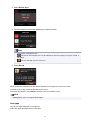
• Display update date/time of the printer information
114