1
Working with Page Layout and Printing
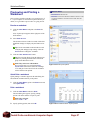
Using Page Breaks
You can use page breaks to divide a worksheet into
separate pages for printing. Excel automatically breaks
the page based on the margins and other page settings, but
you can add your own manual page breaks as well.
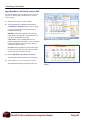
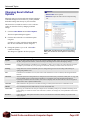
Page Break Preview view
Exercise
• Exercise File: Sales7-2 xlsx
• Exercise: In Page Break Preview view, drag the page
break line to the left so that the Jan – Mar columns are on
page 1 and Apr – June are on page 2.
Right-click cell A11 and add a page break, then remove the
break.
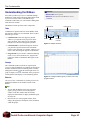
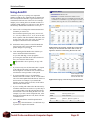
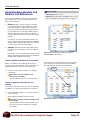
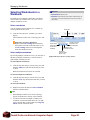
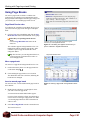
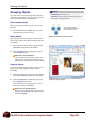
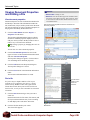
If you display the worksheet in Page Break Preview view,
you can see how the page breaks will appear and adjust
them.
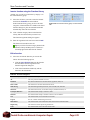
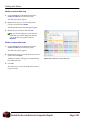
1. Click the View tab on the Ribbon and click the Page
Break Preview button in the Workbook Views group.
Other Ways to Open Page Break Preview
View:
Click the Page Break Preview button on the
status bar.
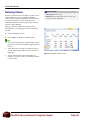
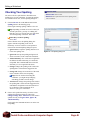
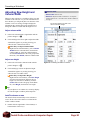
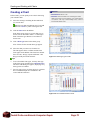
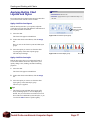
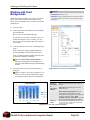
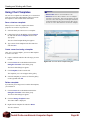
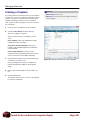
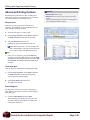
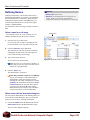
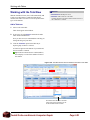
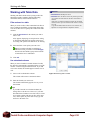
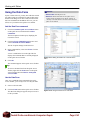
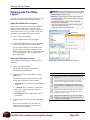
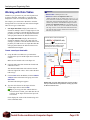
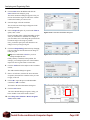
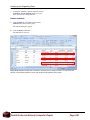
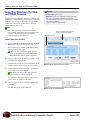
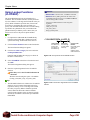
The worksheet appears in Page Break Preview view.
Dashed lines indicate automatic page breaks, while
solid lines represent page breaks that have been
changed or added.
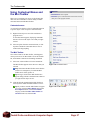
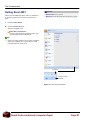
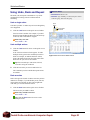
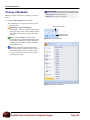
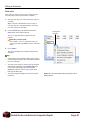
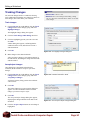
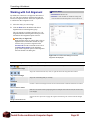
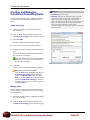
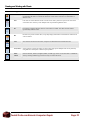
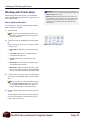
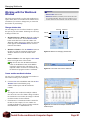
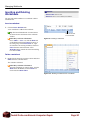
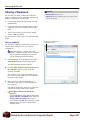
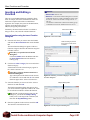
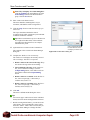
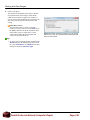
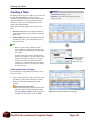
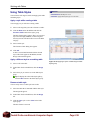
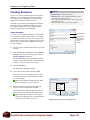
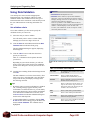
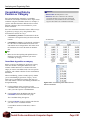
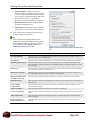
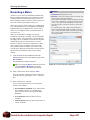
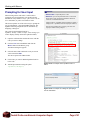
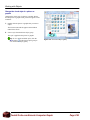
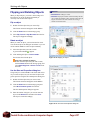
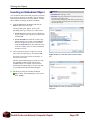
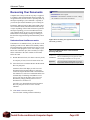
Tip: The first time you enter Page Break Preview,
a message appears with instructions on how to
work with page breaks.
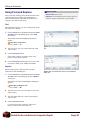
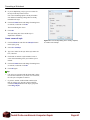
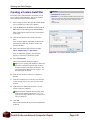
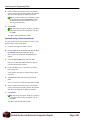
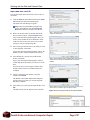
Click this check box so the dialog box doesn’t appear
whenever you use Page Break Preview.
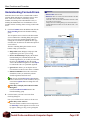
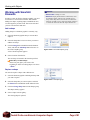
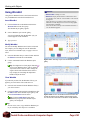
Figure 7-2: This dialog box appears the first time you
open a workbook in Page Break Preview.
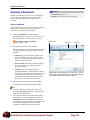
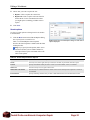
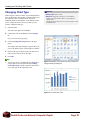
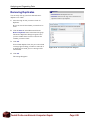
Page Break Preview button
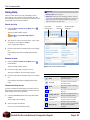
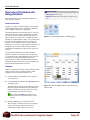
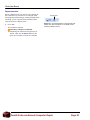
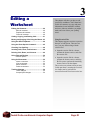
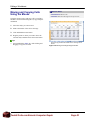
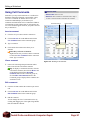
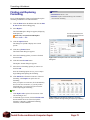
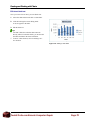
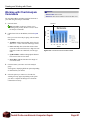
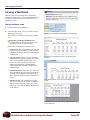
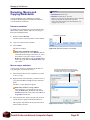
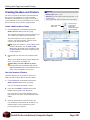
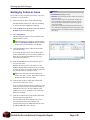
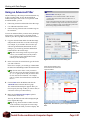
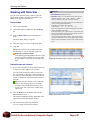
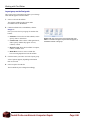
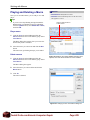
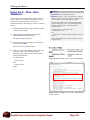
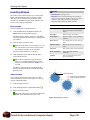
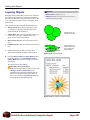
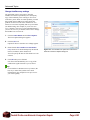
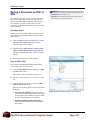
Move a page break
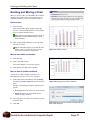
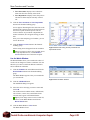
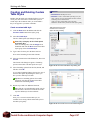
You can move a page break in Page Break Preview view.
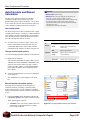
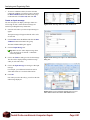
1. Position the mouse pointer over the page break line
so the cursor changes .
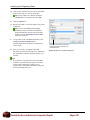
2. Click and drag the page break to a new location.
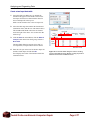
The dashed line turns into a solid line, indicating the
break has been changed.
Insert a manual page break
You can insert new vertical and horizontal page breaks in
the workbook.
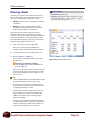
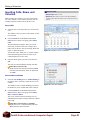
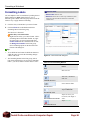
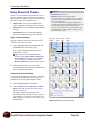
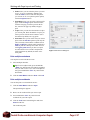
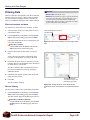
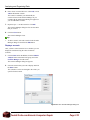
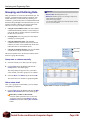
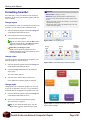
Figure 7-3: Moving a page break in Page Break Preview
view.
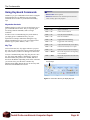
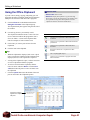
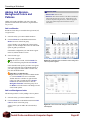
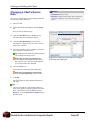
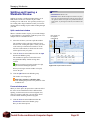
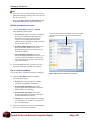
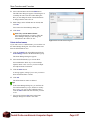
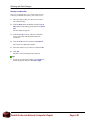
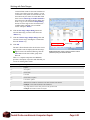
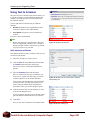
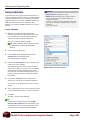
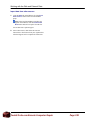
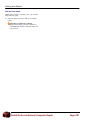
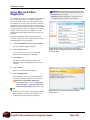
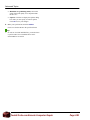
1. Right-click the cell below or to the right of where
you want to insert the page break.
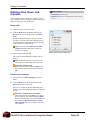
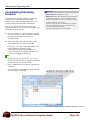
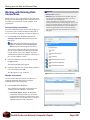
A contextual menu and the Mini Toolbar appear.
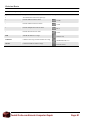
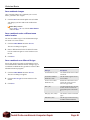
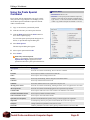
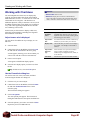
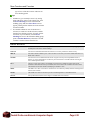
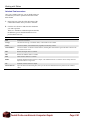
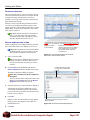
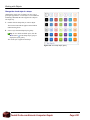
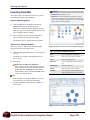
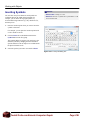
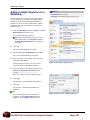
It can be a little confusing to figure out which cell to
click to insert a certain type of page break. See Table
7-2: Inserting Page Breaks for more information on
where to click.
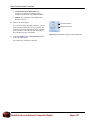
2. Select Insert Page Break from the contextual menu.
The break is inserted.
DoubleTechs.com Remote Computer Repair
Page 110