1
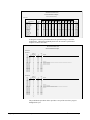
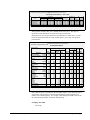
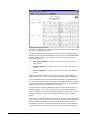
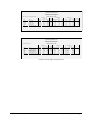
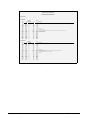
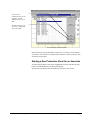
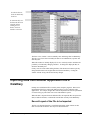
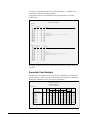
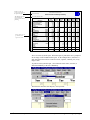
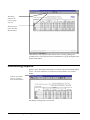
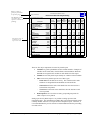
The report is sorted on the last 6 weeks equivalent hourly cost.
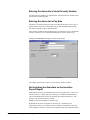
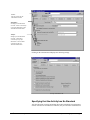
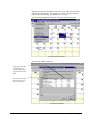
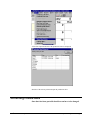
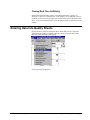
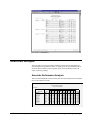
To print an Associate Analysis Report, from the menu bar select Reports, Associate
Analysis.
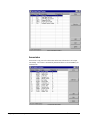
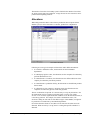
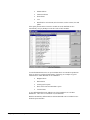
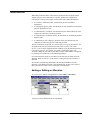
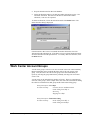
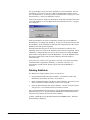
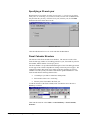
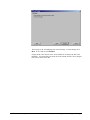
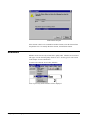
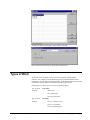
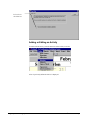
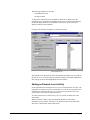
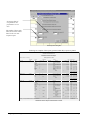
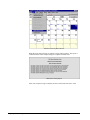
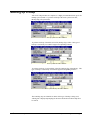
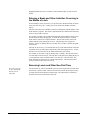
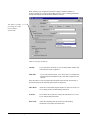
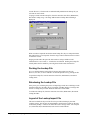
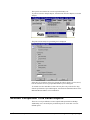
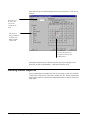
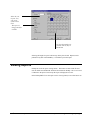
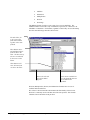
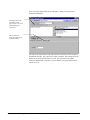
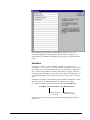
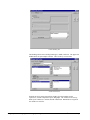
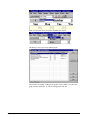
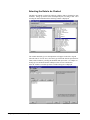
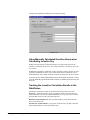
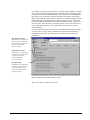
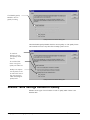
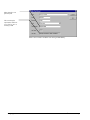
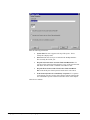
The print associate analysis report dialog box is displayed.
Select the type of analysis report to be printed, the order in which it is to be sorted,
how the associates are to be grouped and whether to print a histogram.
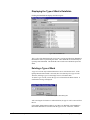
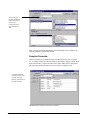
To exclude new hires and other associate who may have only worked a few days,
from the performance report and histogram, enter the desired minimum hours in the
Minimum Measured Hours to be included box.
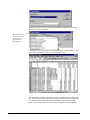
Account Comparison Time Series Reports
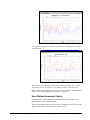
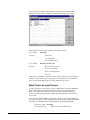
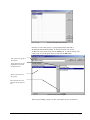
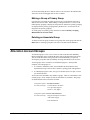
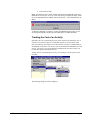
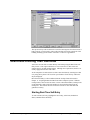
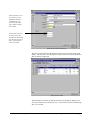
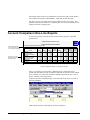
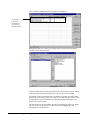
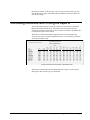
There are several pre-defined Account Comparison Reports built into ProRep.
Additionally, users can modify the pre-defined reports or create their own userdefined reports.
User’s Guide to ProRep
Chapter 13: Printing and Viewing Reports • 183