1
fiscal calendars begin in a month other than January. When a new ProRep system is
created, the fiscal calendar structure is established and the number of years of
information to keep in each DataDiary is specified.
It is recommended that the fiscal calendar set up in ProRep is the same as that used
for accounting purposes. This will make it easier to compare budgets and actual
results reported by accounting to the data in ProRep’s DataDiaries.
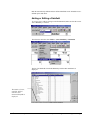
Adding a New Year
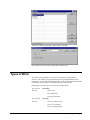
To add a new year or to change any of the settings for a year, make sure that the
correct the active DataDiary is selected.
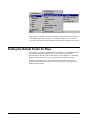
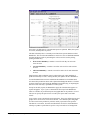
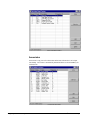
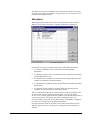
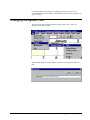
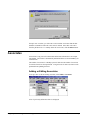
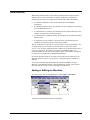
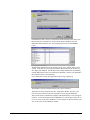
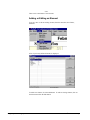
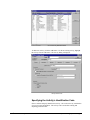
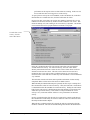
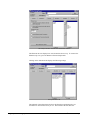
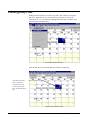
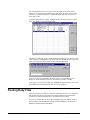
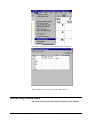
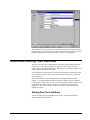
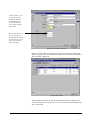
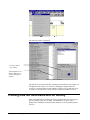
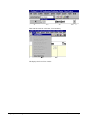
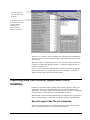
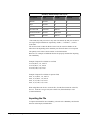
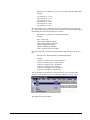
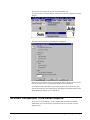
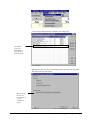
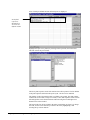
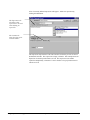
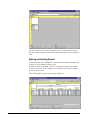
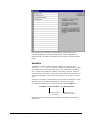
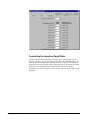
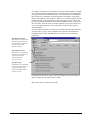
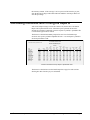
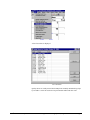
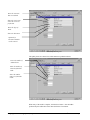
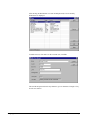
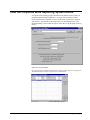
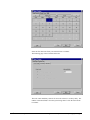
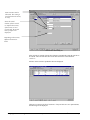
Then, from the menu bar select Tables, Active DataDiary, Fiscal Calendar, Years.
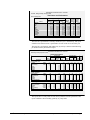
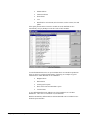
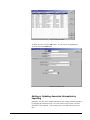
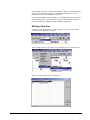
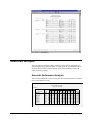
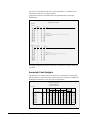
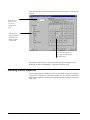
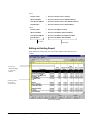
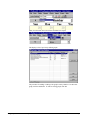
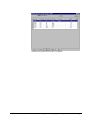
The years currently in the system are displayed.
User’s Guide to ProRep
Chapter 6: Creating and Maintaining the Tables • 85