1
User Manual
5
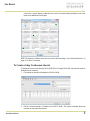
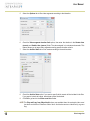
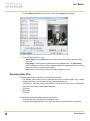
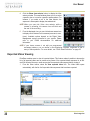
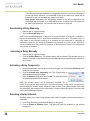
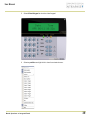
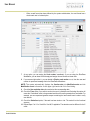
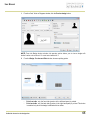
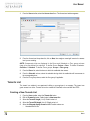
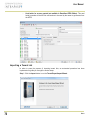
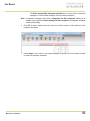
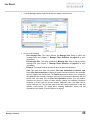
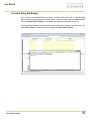
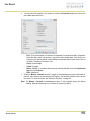
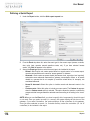
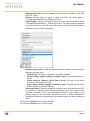
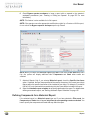
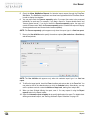
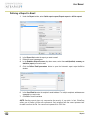
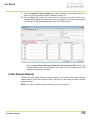
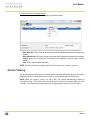
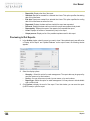
Click Execute. A system message informs you that the report is being processed. The Report
options window appears and is then minimized to the task bar.
6
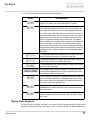
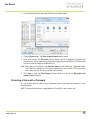
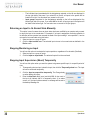
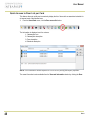
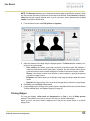
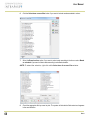
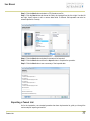
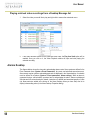
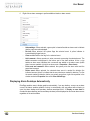
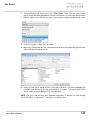
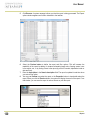
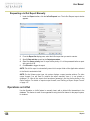
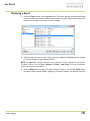
Select the Preview button to define the report and filter options. This will increase the
readability of the report by adding, for instance, alternating band colors, framing events, icons
in the reports, etc., or by sorting events in the report (by event ID number, alphabetical order or
date and time).
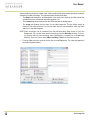
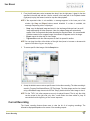
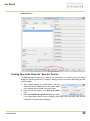
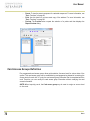
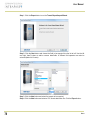
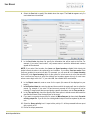
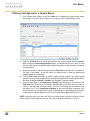
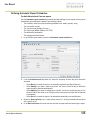
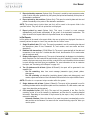
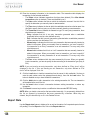
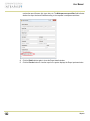
Enter the description in the Search description field. The report is updated in real-time when
you enter a filter option.
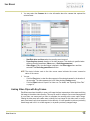
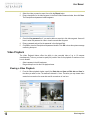
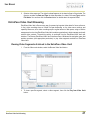
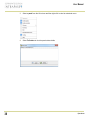
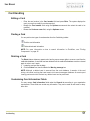
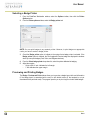
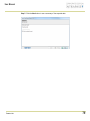
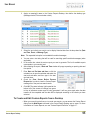
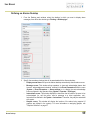
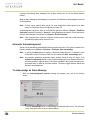
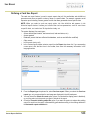
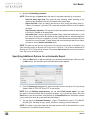
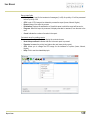
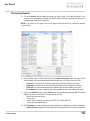
You may use Preview to preview the report or the Properties button to view details about the
report. When you click the Preview button, the system will display the result of the report. From
that window, you can save the report in various formats or print the report.
7
8
130
Reports