1
Deviation User’s Manual for Devo7e/10
Model menu
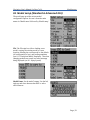
8.2.4 Expo & Dual-Rate Template
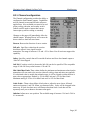
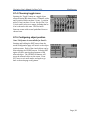
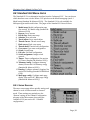
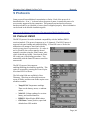
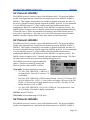
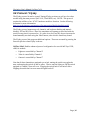
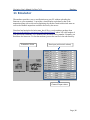
The Expo/Dual-Rate template is a more
sophisticated template designed to allow use of
toggle or 3-way switches to manipulate an
input. The primary-input (stick, switch, or
other channel), can have a different
curve/function and scaling for each toggleswitch position.
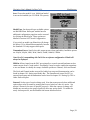
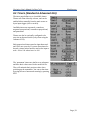
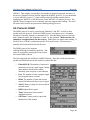
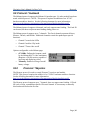
Selecting a value for Switch1 or Switch2 will
activate the corresponding section. Each section
can either have a 'linked' curve (curve is the same
as the 'High-Rate' curve) in which case only the
scalar can be modified, or alternatively can have
an independent curve definition. Pressing the
'Mid-Rate' or 'Low-Rate' button for a given switch
will toggle between linked and independent
curves.
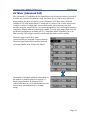
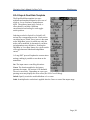
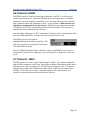
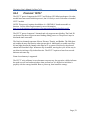
A ‘Long-ENT’ press will update the current mixer
settings, making it possible to test them on the
transmitter.
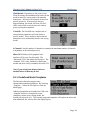
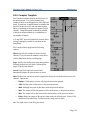
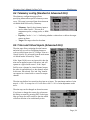
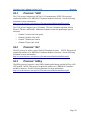
Src: The input source controlling this mixer.
Curve: The function applied to the input to
generate the output. See section 8.2.8 Available
Curves for more info. Depending on curve-type,
pressing curve may display the curve editor (see 8.2.9 Curve Editing).
Switch: Specify a switch to enable Medium or Low rates.
Scale: A multiplicative scalar that is applied after the Curve to control the output range.
Page | 28