1
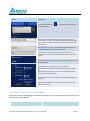
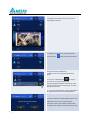
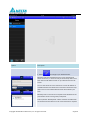
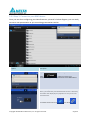
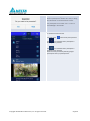
Role Change:
Highlight a participant by moving curser on the
targeted participant.
Click on
to hand over the host role to
the participant.
Click on
to hand over the presenter role.
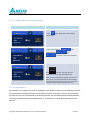
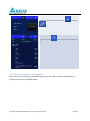
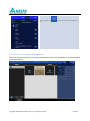
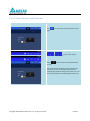
Role Change:
When a participant is asked to be a host, a dialog
box will appear on the participant’s screen.
When a participant is asked to be a presenter, a
dialog box will appear on the participant’s screen.
The participant has to click “Yes” to acknowledge
accepting the new role in 20 seconds.
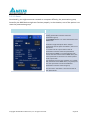
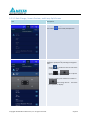
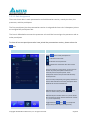
To perform screen preview:
The host clicks
first.
tab to show participant list
(Only the host can preview the participant’s
screen.)
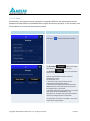
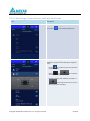
Screen Preview:
John’s iPad does not have
symbol, indicates
that John is allowing preview from host.
Highlight and click on the middle part of the entry
of John.
Copyright © 2014 DELTA Electronics, Inc. All rights reserved.
Page 15