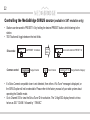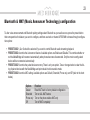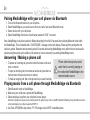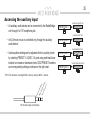
1
8
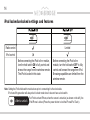
DIP switch settings
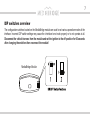
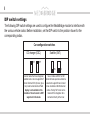
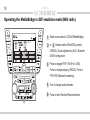
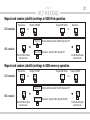
The following DIP switch settings are used to configure the MediaBridge module to interface with
the various vehicle radios. Before installation, set the DIP switch to the position shown for the
corresponding radios.
Car configuration switches
CD changer (CDC)
OFF
Satellite (SAT)
OFF
ON
Use for radios that have integrated
satellite radio or do not support SAT
mode. External CDC (trunk or glove
box) must be disconnected. Text
display is not available in this
emulation. Sirius Connect is NOT
supported in this mode.
ON
Use on radios with SAT or XM
button for best experience. Must be
selected to support Sirius Connect
tuner. Available on North American
radios. Factory SAT tuner can be
retained if this integration kit is
connected directly to the tuner.