1
SpikeMark User Manual
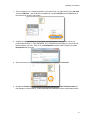
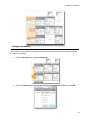
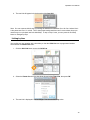
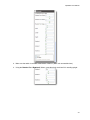
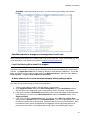
Note: Make sure you uncheck Auto-repair in the Stagehand Editor if you want to disconnect from a
Stagehand, otherwise SpikeMark will immediately try to re-connect.
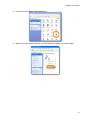
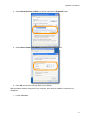
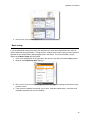
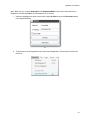
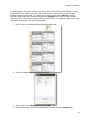
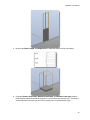
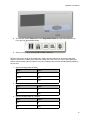
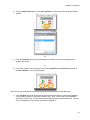
1. Select the Stagehand you want to disconnect in the Cue Grid and press the Disconnect button
in the Stagehand Editor.
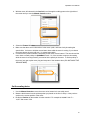
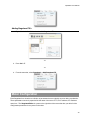
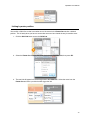
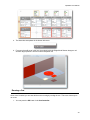
-or2. To disconnect from all Stagehands in the show select Stagehands -> Disconnect From All in the
menu bar.
43