1
Creating and Downloading User-Data Files
User File Data (Bit/Binary) Downloads (E4438C and E8267D)
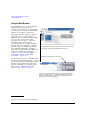
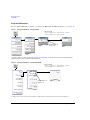
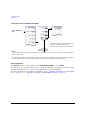
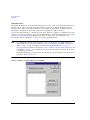
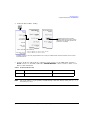
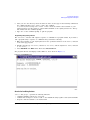
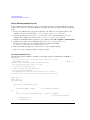
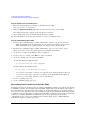
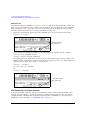
Using the Signal Generator’s Internal Web Server
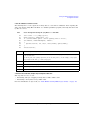
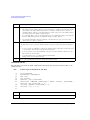
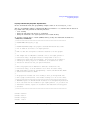
1. Enter the signal generator’s hostname or IP address in the URL.
http://<host name> or <IP address>
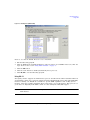
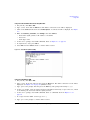
2. Click the Signal Generator FTP Access button located on the left side of the window.
The signal generator files appear in the web browser’s window.
3. Drag and drop files between the PC and the browser’s window
For more information on the web server feature, see the Programming Guide.
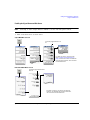
Using the Command Window (PC or UNIX)
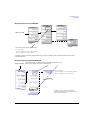
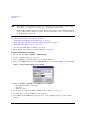
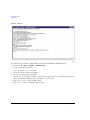
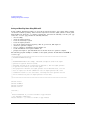
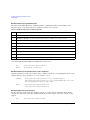
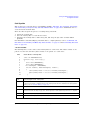
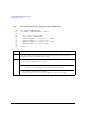
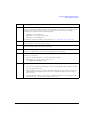
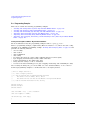
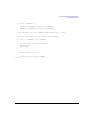
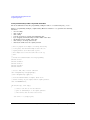
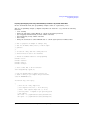
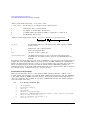
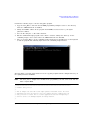
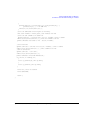
1. From the PC command prompt or UNIX command line, change to the proper directory:
• When downloading from the signal generator, the directory in which to place the file.
• When downloading to the signal generator, the directory that contains the file.
2. From the PC command prompt or UNIX command line, type ftp <instrument name>.
Where instrument name is the signal generator’s hostname or IP address.
3. At the User: prompt, press Enter (no entry is required).
4. At the Password: prompt, press Enter (no entry is required).
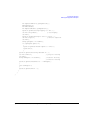
5. At the ftp prompt, type the desired command:
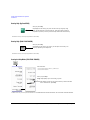
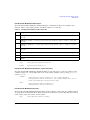
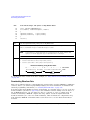
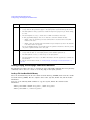
To Get a File From the Signal Generator
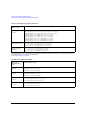
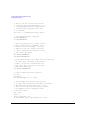
get /user/<directory>/<file_name1> <file_name>
To Place a File in the Signal Generator
put <file_name> /user/<directory>/<file_name1>
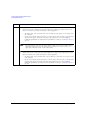
• <file_name1> is the name of the file as it appears in the signal generator’s directory.
• <file_name> is the name of the file as it appears in the PC/UNIX current directory.
• <directory> is the signal generator’s BIT or BIN directory.
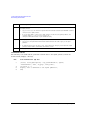
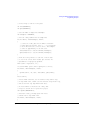
6. At the ftp prompt, type: bye
7. At the command prompt, type: exit
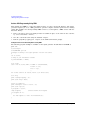
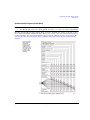
Understanding Framed Transmission For Real-Time TDMA
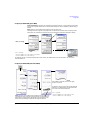
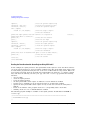
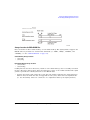
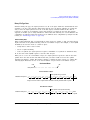
Specifying a user file as the data source for a framed transmission provides you with an easy method
to multiplex real data into internally generated TDMA framing. The user file fills the data fields of
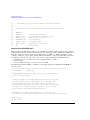
the active timeslot in the first frame, and continue to fill the same timeslot of successive frames as
long as there is more data in the file with enough bits to fill the data field. This functionality enables
a communications system designer to download and modulate proprietary data sequences, specific PN
sequences, or simulate multiframe transmission such as those specified by some mobile
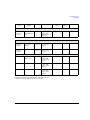
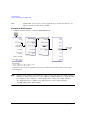
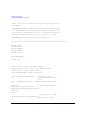
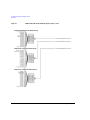
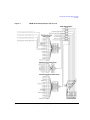
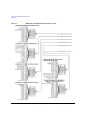
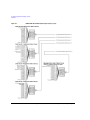
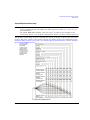
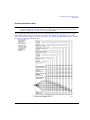
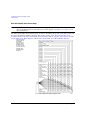
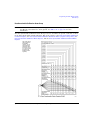
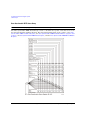
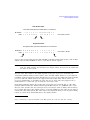
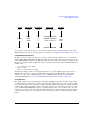
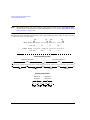
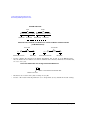
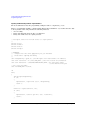
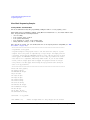
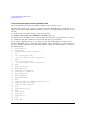
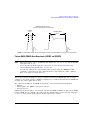
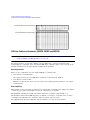
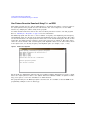
communications protocols. As the example in the following figure shows, a GSM multiframe
transmission requires 26 frames for speech.
304
Agilent N518xA, E8663B, E44x8C, and E82x7D Signal Generators Programming Guide