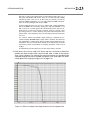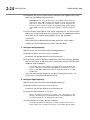
1
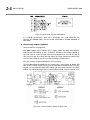
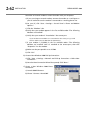
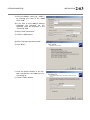
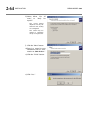
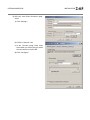
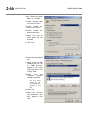
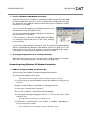
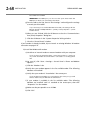
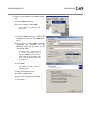
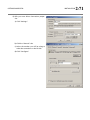
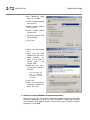
OPTIMOD-AM DIGITAL OPERATION port, and gateway data. Note that these values must agree with the values that you set in your 9300 (see step 1 on page 2-42). See also Setting Up Ethernet, LAN, and VPN Connections on page 2-46. If you are communicating via a direct serial cable connection or a modem connection, follow the appropriate procedure described in Appendix: Setting up Serial Communications, starting on page 2-51. F) Click OK after entering all required information. To initiate communication: Initiate communication by double-clicking on the desired 9300 alias in the Connections List, or by selecting the desired 9300 alias from the CONNECT drop down menu. If the connection is successful, a dialog bubble will appear on the bottom right hand corner of the screen verifying your connection. If a warning message appears stating: “No password is set at the 9300…” go to your 9300 unit and enter a passcode. If an Enter Passcode dialog box appears, enter a valid passcode and the 9300 PC Remote software will initiate a connection to the 9300 unit. A window will appear saying, “Connecting to the 9300, please wait.” A few moments later, a new message will appear: “Loading system files, please wait.” When run, the Orban PC Remote software installer makes copies of all 9300 factory preset files on your local hard drive. The PC Remote software reads these files to speed up its initialization. If any of these files have been deleted or damaged, the PC Remote software will refresh them by downloading them from the 9300. If the PC Remote software needs to do this, it can substantially increase the time required for the software to initialize, particularly through a slow modem connection. All communications between your Optimod and PC Remote are encrypted and all transient files that PC Remote writes to your computer’s hard drive are encrypted as well. When this download is finished, the main meters will appear. A wheel mouse is the quickest and easiest interface to use — you will rarely (if ever) have to use the keyboard. The help box at the bottom of the screen always presents a short help message for the function you have selected. To modify a control setting: A) Choose PROCESSING PARAMETERS from the EDIT menu. 3-39