1
Onsite User Manual
•
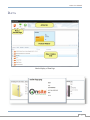
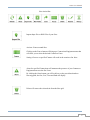
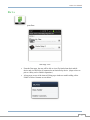
The Action Bar is located at the top of the Onsite Desktop Program, providing the user with
desired actions.
•
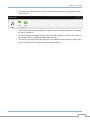
The Chat and Inbox buttons will always be present in the Action Bar regardless of what page
the user is currently in.
Numerous other buttons appear in the Action Bar as other pages are accessed; the function of
these buttons will be explained throughout this document.
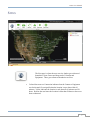
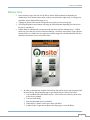
The user may access the Homepage from any area within the Onsite program by clicking the
Onsite Command text in the upper left of the program window.
•
•
7