1
IMPORTANT - The calibration files are two embedded into the X300 configuration, they are
unique for each scanner and marked with the serial number of the unit.
The use calibration files other that the ones associated with your scanner can lead to errors in
the color blending process.
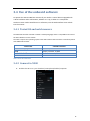
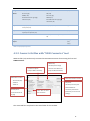
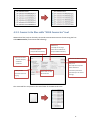
Enter the calibration files: the prefixes “U” and “D” stand for UP camera and DOWN camera.
Select the file marked with “U” (e.g: U_X300PS300111.cal) for the UP camera and the file
marked with “D” (e.g: D_X300PS300111.cal) for the DOWN camera.
Browse and select also the folder that contains the pictures.
Press the Import button to start the import and colouring process.
Press the Skip button to load the scan without applying the color blending.
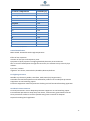
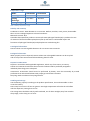
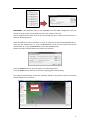
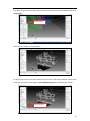
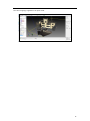
The program automatically creates the Cameras related to the pictures and the Grid Point
Clouds related to the scan data.
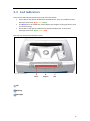
Cameras
Point cloud
47