1
H-DX
User Manual
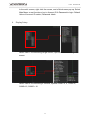
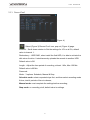
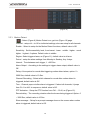
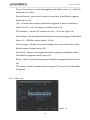
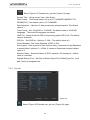
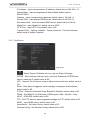
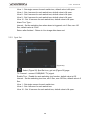
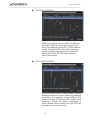
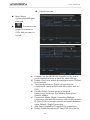
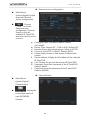
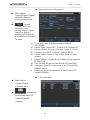
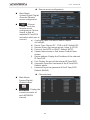
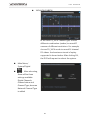
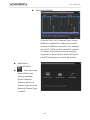
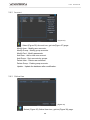
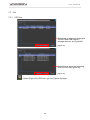
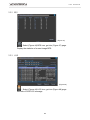
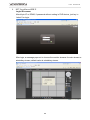
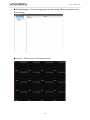
Resolution:Adjust the resolution for VGA & HD OUT, default value is VGA,
1920*1080.
Channel:Select ch1 ~ ch16.
Region Cover:Choose which channel to display after selected, Ch 1 to 4, and
assign positions.
Time display & Channel Title:Adjust the positions of time display and channel
title.
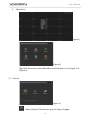
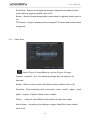
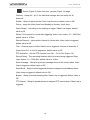
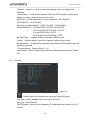
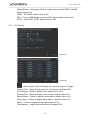
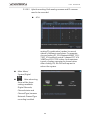
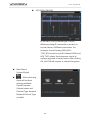
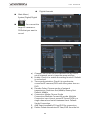
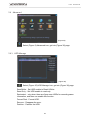
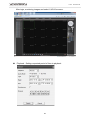
5.3.6 PTZ Config
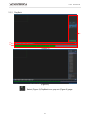
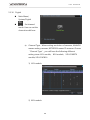
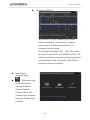
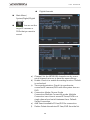
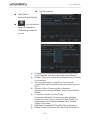
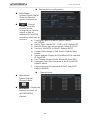
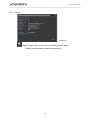
(Figure 29)
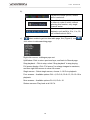
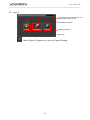
:Select (Figure 20) PTZ Config icon, get into (Figure 29) page.
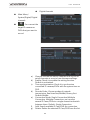
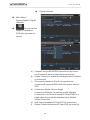
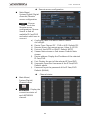
Channel:Select Ch 1 ~ 16.
Protocol:22 options can select; default value is PELCOD.
Address:PTZ address Number; default value is 1.
Baud rate:8 options can select; default value is 9600.
Data Bits : 4 options can select; default value is 8.
Stop Bits:2 options can select; default value is 1.
Parity: 4 options can select; default value is None.
26