1
DIGIVOTE® interactive professional
VER 4.93
12. IMPORT AND EXPORT FILE STRUCTURE
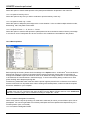
Hereinafter the file formats for the import and export of name, question and result files are described.
12.1 Import a name list
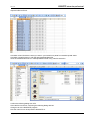
To create a name list with custom names it recommended to create first a default name list, then export this
list to e.g. Microsoft Excel, replace the default names with the custom names and re-import the customized
name list into DIGIVOTE.
12.1.1. Create a name list
Follow this procedure to create a customized name list:
•
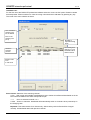
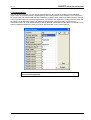
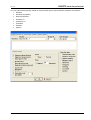
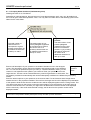
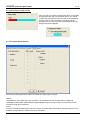
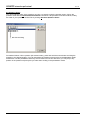
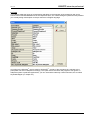
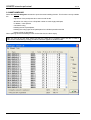
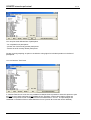
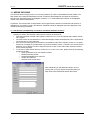
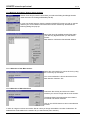
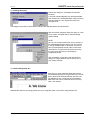
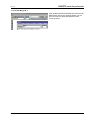
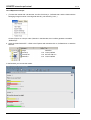
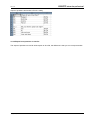
Open Name handling dialog from Session | Delegates …
•
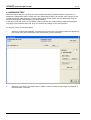
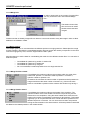
Clear any existing names with Delegates | Delete all
•
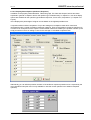
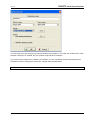
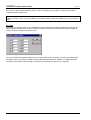
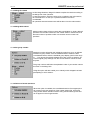
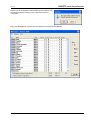
Create a default name list with the designated number of delegates using Tools | Default names
•
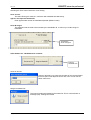
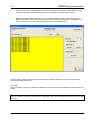
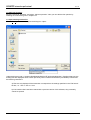
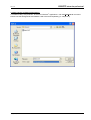
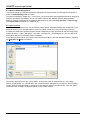
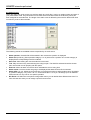
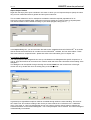
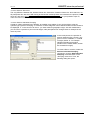
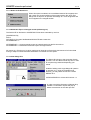
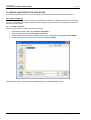
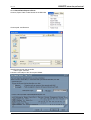
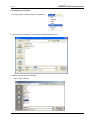
Export this name list as a DIGIVOTE name file using File | Export
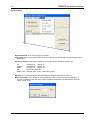
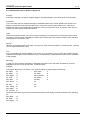
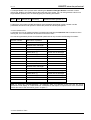
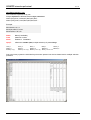
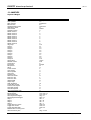
DIGIVOTE will export a text file with all the delegate data as a TAB separated text file.
104
Copyright by Brähler ICS