1
DIGIVOTE® interactive professional
VER 4.93
8.12 The Menu Question
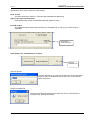
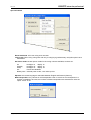
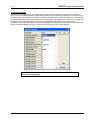
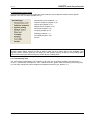
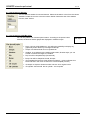
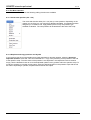
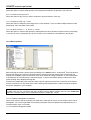
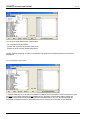
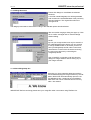
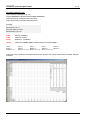
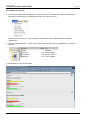
Aside the described short cuts the following editing functions are available.
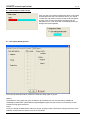
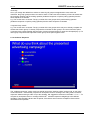
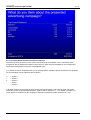
8.12.1 Create new question (Ctrl + Ins)
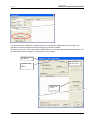
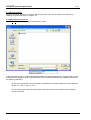
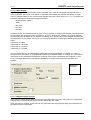
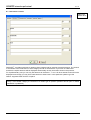
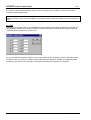
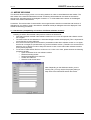
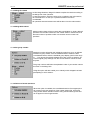
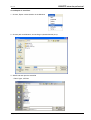
The command Question New (Ctrl + Ins) set-up a new question. Depending on the
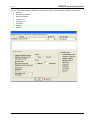
master you are using you can chose from different templates. If no Master has been
assigned (cf. Conference Info, Apply Master) there is only one question type
available: evaluation. The new question will be attached to the end of the script.
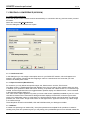
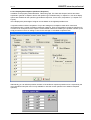
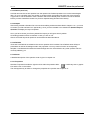
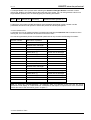
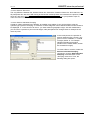
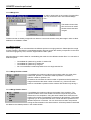
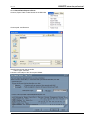
8.12.2 Duplicate and copy questions and layouts
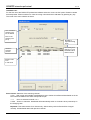
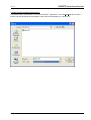
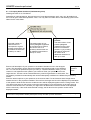
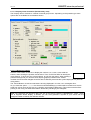
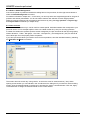
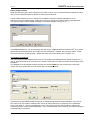
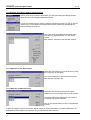
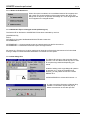
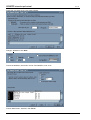
If you intend to use the current question as a basis (template) for another question, select the Question/
Duplicate Question command. This command adds a 1:1 copy of the previously active question to the end
of the question script. The short name of the question is not duplicated - the respective box thus remains
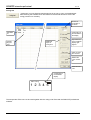
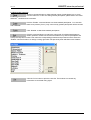
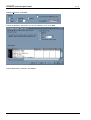
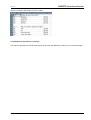
empty. Use the Question Sorter to move the duplicated question to any position within the question script. To
modify the question or to assign a short name, select the desired question in the question script with the roll
bar. When duplicating a question, all parameters and texts are copied.
74
Copyright by Brähler ICS