1
DIGIVOTE® interactive professional
VER 4.93
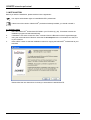
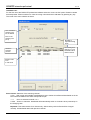
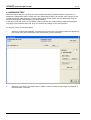
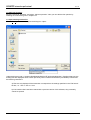
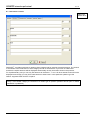
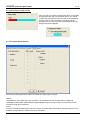
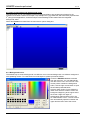
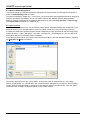
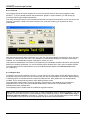
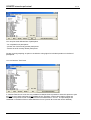
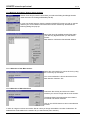
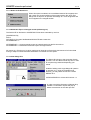
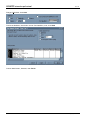
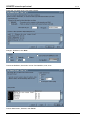
8.3.2 Select “Global Background“
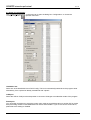
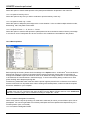
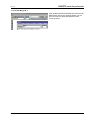
If the mouse pointer is positioned outside the editing field of a layout sheet, click the right mouse button to
select the Global Background command.
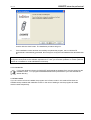
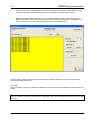
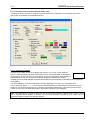
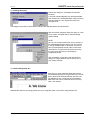
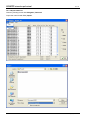
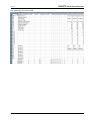
Proceed as indicated in chapter 8.3.1. In this case, you can only select one single background for all types of
question and answer presentation. You do not need to make a new selection for each single question.
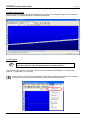
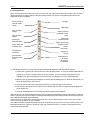
Define a common background for all questions and answers by using the Copy question or Layout Copy
and Layout Paste commands (cf. chapter 8.7ff).
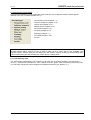
8.4 Create a master
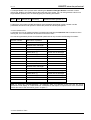
There are several reasons why it can be useful to create special, individual masters that correspond to your
personal needs. It is for example helpful to have a so-called master file (*.dvm) for recurring questions.
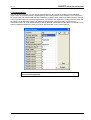
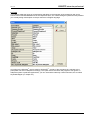
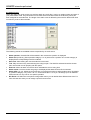
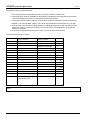
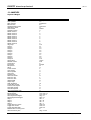
A master file contains the question (and the answer categories), the pre-set values for the layouts (property
sheets “Question“, “Table“, “Bar graph“, “Pie chart“, “Grouped“ etc.), the backgrounds (*.dvb) as well as all
other values pre-set in the property sheet “Properties“.
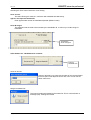
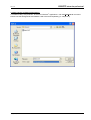
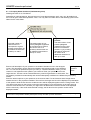
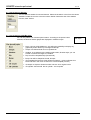
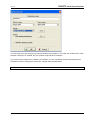
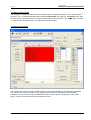
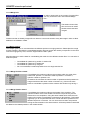
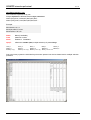
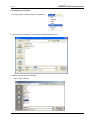
If you have pre-set all values you intend to save for future questions, save the intended master by selecting
the View/Save as Master commands.
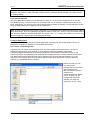
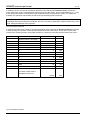
The master does not contain any voting results - as this is the case for saved sessions (*.dvs). When
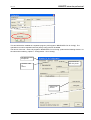
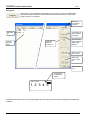
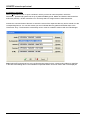
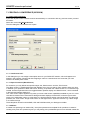
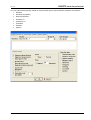
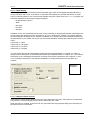
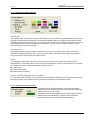
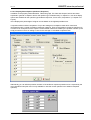
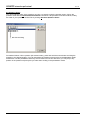
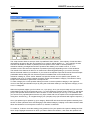
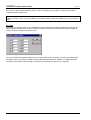
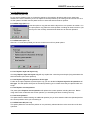
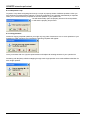
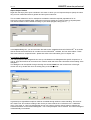
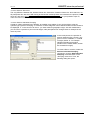
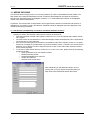
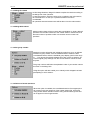
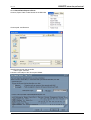
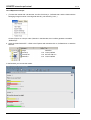
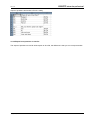
opening a new session you can indicate in the "Conference Info“ dialog box if you intend to use an existing
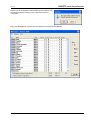
master. Click the selected master in the list box to activate the „Assign“ command button. Click the „Apply“
command button to assign the selected master to the current session.
62
Copyright by Brähler ICS