1
Connecting your Silhouette CAMEO
1
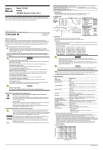
Check Included Items
The Silhouette CAMEO comes with the items shown in the following list. Check that all the items
have been included before starting. If you are missing any items listed below, please contact
[email protected].
Silhouette CAMEO
electronic cutting tool
Silhouette Studio‰
software
USB cable
A/C adapter and
power cable
Instructional DVD
blade with
ratchet cap
12” cutting mat
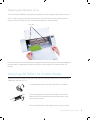
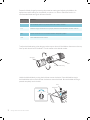
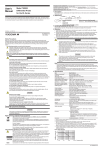
Take the Silhouette CAMEO from the box and remove the three strips of packing tape and foam support
as indicated by the following diagrams. These strips of tape and foam are used to hold the moving parts of
the Silhouette in place during shipment.
remove tape
1
Getting Started with Silhouette CAMEO
remove foam