1
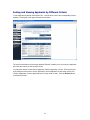
Sorting and Viewing Applicants by Different Criteria
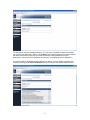
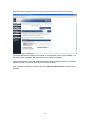
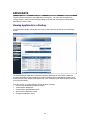
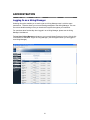
To sort applicants by Name, Date Applied, etc., click the arrow next to the corresponding column
heading. Clicking the arrow again reverses the sort order.
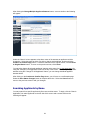
The section at the bottom of the screen labeled "Refresh" enables you to view only the applicants
who meet the criteria you filter (view) them by.
You may also choose to show Active Applicants, Inactive Applicants, or both. This is performed
by checking the boxes next to “Active Applicants” (active Applicants are still under review) and
“Inactive Applicants” (inactive Applicants are no longer under review). Click the Refresh button
to refresh the screen.
19