1
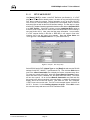
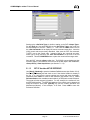
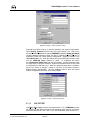
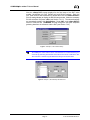
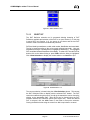
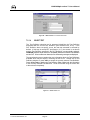
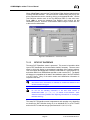
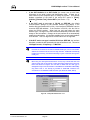
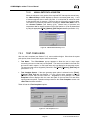
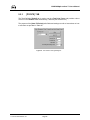
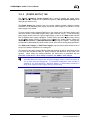
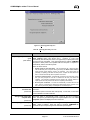
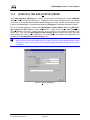
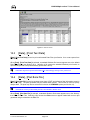
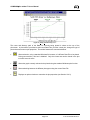
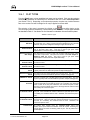
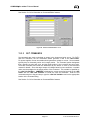
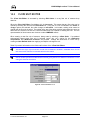
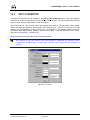
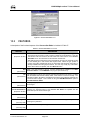
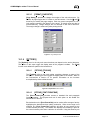
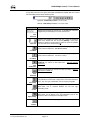
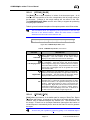
COMPASS for molbox™ User’s Manual 9. [SETUP], [TEST] 9.1 OVERVIEW Test Definitions are used to define a specific test procedure including a sequence of flow points and a large number of operational details. In COMPASS [Run Test] mode, a DUT to be tested is selected an then the Test Definition to be executed is specified. A pointer to a default Test Definition for a DUT is included in the DUT Definition [Test] tab (see Section 8.5.6). Access the Test Definition Editor using the [Setup], [Test] menu option. When selected, the last accessed Test Definition displays on the Test Definition Editor. While in the Editor, use the toolbar options to create, edit, view and delete tests (see Section 9.5.1). The Test Definition Editor is designed with the same editing concepts as the DUT Definition Editor (see Section 8.5). Only one Test Definition can be edited at a time, however, other Definitions can be viewed prior to completing the changes. The test scroll bar and the Test Selector are available to make new test selections. A flashing indicator displays the ID number of the Test Definition currently being edited. This ID will change as the test sort order changes (see Section 9.4). The edited test always displays in blue text in the Test Definition Selector (see Section 9.4). Use these editing signals to locate the test that is being edited if necessary. Test Definitions can only be edited when COMPASS is not in an active run mode. If a run mode is active, all Test Definition fields and selection functions are disabled. 9.2 CREATING TEST DEFINITIONS Open the Test Definition Editor using the [Setup], [Test] menu option. Use the <New> test toolbar icon to create a new Test Definition. Set up the test as desired then press the <Save> icon to store the test information. Any conflicts that exist will cause an error message to display. Resolve the conflicts before re-saving. The <Restore> icon is nonfunctional for new tests. The feature only restores to the last saved state. Since new Test Definitions have not been saved, there is nothing to restore. Familiarity with test execution sequence is necessary for proper creation of Test Definition (review Section 7.1). If a Test Definition exists that is similar to the one that will be created, use the <Copy> toolbar feature to create a new Test Definition with the same characteristics. Then make the edits specific to the new test. Don’t forget to change the <Record Label> prior to saving. Page 81 © 1998-2003 DH Instruments, Inc.