1
Tag List Generator – User’s Manual
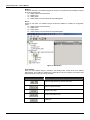
Upload from Device
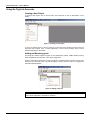
After all points of the MCT Tags Table have been sent to device, the upload of these points must be
done in order to compare them. In order to make it, click with the right button on the Address ranges
in the Device folder, a popup menu will be open, choose Upload from Device. Or click on the toolbar
Edit Æ Upload from Device.
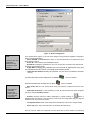
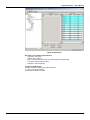
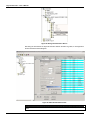
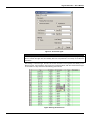
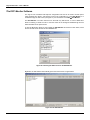
Figure 24- Upload Successful
Upload all Address ranges.
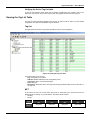
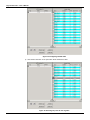
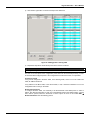
Comparing the Tag Tables
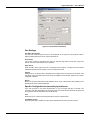
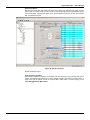
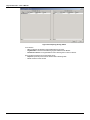
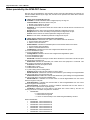
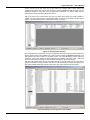
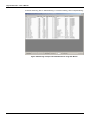
After doing the Upload of all points, it is possible to do the comparison of the Working and Device
Tables. Click with the right button on one of the address ranges in the Working or Device folder, a
popup menu will be opened, choose the Compare MCT Tables option, or do this clicking on the
toolbar Edit Æ Compare MCT Tables.
17