1
Forwarding a Purchase Order
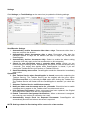
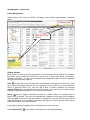
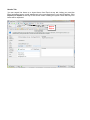
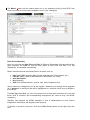
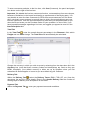
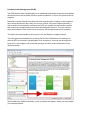
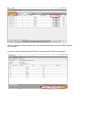
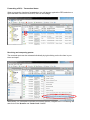
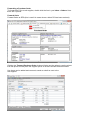
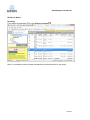
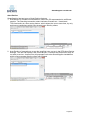
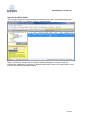
To forward the PO to a sub-supplier, double click the line in your Inbox > Orders: Here
there are 2 options:
Forward Order
Forward Order as RFQ (this is useful in cases where a direct PO has been received)
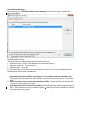
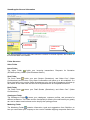
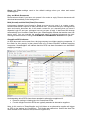
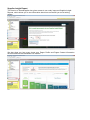
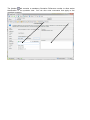
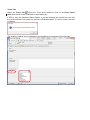
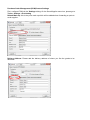
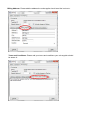
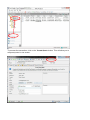
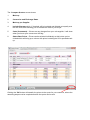
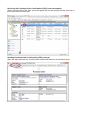
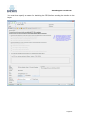
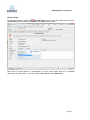
Clicking the ‘Forward Purchase Order’ button will give you the option to use the prices
from the quote and will place the supplier prices in to the Purchase Order document.
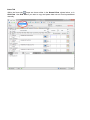
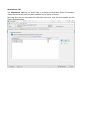
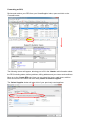
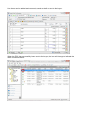
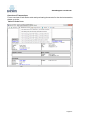
Line items can be added and removed, saved as a draft or sent to the
sub-supplier.
Purchase Order Management User Guide v1.0