1
Chapter 7 Using the Traffic Cop
200/500 Series Traffic Cop
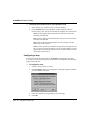
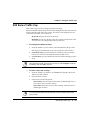
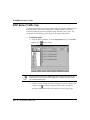
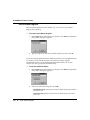
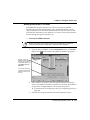
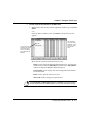
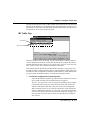
The 200/500 Series I/O screen is an S908 representation of the connection to a
J290/J291 interface device. The 200 Series drop contains racks 2 to 5. For each
slot in the rack, NxT displays the slot number, type (input or output), reference
address range (the associated addresses in logic), data type (discrete or
analog), and the health status (OK or ??) of the card. The health status is only
available if the controller is running and channels are not explicitly displayed.
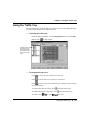
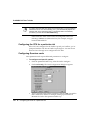
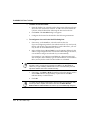
Ø To configure a slot:
1.
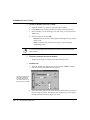
Select the drop and rack containing the slot you want to edit from the
tree control. The rack appears in the Edit Rack area of the window.
2.
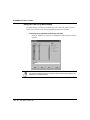
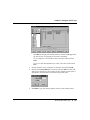
Select the slot to edit and click Edit or double-click the slot.
3.
Type the first address of the table associated with this input or output
point, then click OK.
For example, suppose you are entering an address table for a 16 IN slot
on a J290. You must associate this slot with a 16-bit table of discretes,
or one 16-bit register.
If you are entering a register, select the input type (binary or BCD).
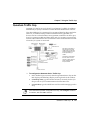
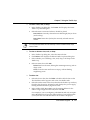
Below are some of the other features you can use in the Traffic Cop:
Ÿ Data: Click to view the address contents (the register value or the
state of each discrete in the table).
Ÿ Doc: Click to edit documentation for each slot.
Ÿ Insert: Click to delete an item (slot, rack, or drop) from the Traffic
Cop.
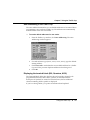
Ÿ Auto Addressing: Click to set the default addresses for new cards
configured into the Traffic Cop. NxT automatically increments the
addresses for each new card configured.
Micro 300 Series Traffic Cop l 213