1
Chapter 7 Using the Traffic Cop
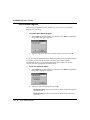
Using the Traffic Cop
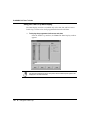
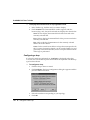
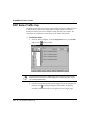
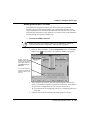
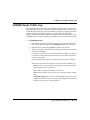
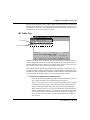
The tree control area of the Traffic Cop window lets you select different drops
(or racks within drops) in the Traffic Cop tree.
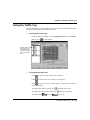
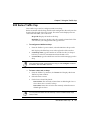
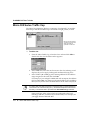
Ø To display the Traffic Cop:
Ÿ From the Network Editor, on the Configuration menu, click Traffic
Cop or click
on the toolbar.
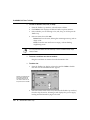
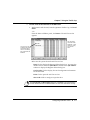
The tree provides a
hierarchical view of
configured drops and
racks. Select a drop or
rack to see its configuration.
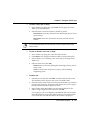
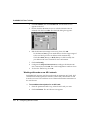
Ø To navigate through a tree:
Ÿ Click
to move up one visible row in the tree.
Ÿ Click
to move down one visible row in the tree.
Ÿ Click
to move up one level in the tree (for example, from a rack up
to its parent drop.
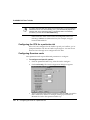
Ÿ To expand the racks in a drop, click
Ÿ To collapse the racks in the drop, click
Ÿ To select a drop
or rack
to the left of the drop.
to the left of the drop.
, click on it.
Using the Traffic Cop l 195