1
CAD/CAM SYSTEM
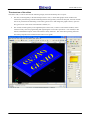
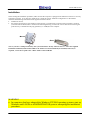
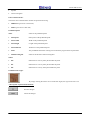
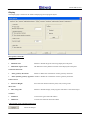
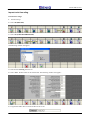
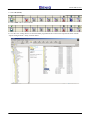
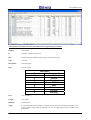
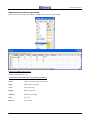
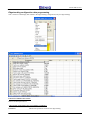
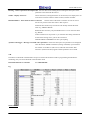
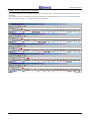
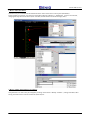
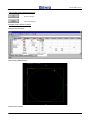
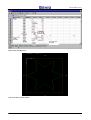
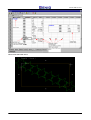
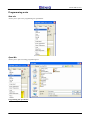
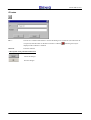
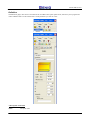
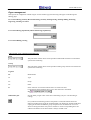
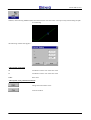
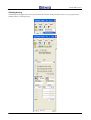
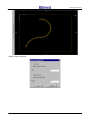
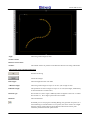
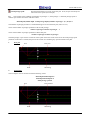
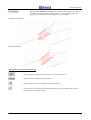
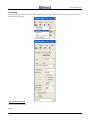
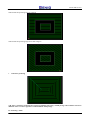
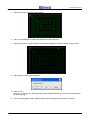
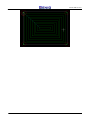
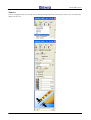
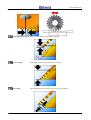
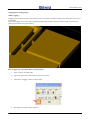
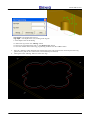
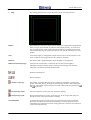
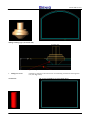
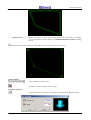
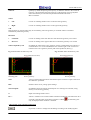
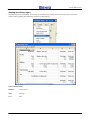
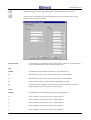
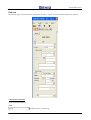
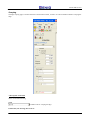
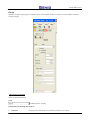
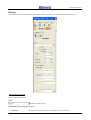
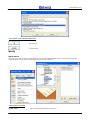
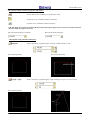
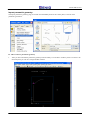
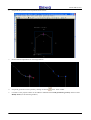
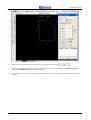
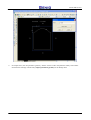
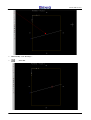
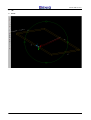
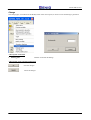
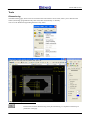
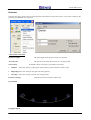
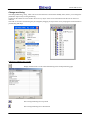
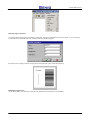
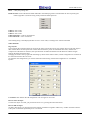
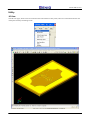
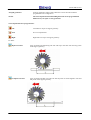
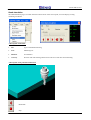
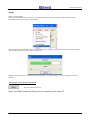
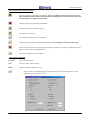
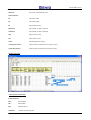
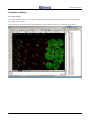
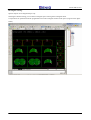
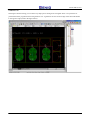
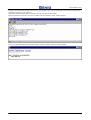
When the flag CAD Offset is enabled Genio auutomatically computes the offset of
the maching to make the mill working at the left or at the right in respect of the
geometry, instead that centered on the geometry, as shown below.
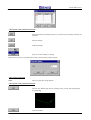
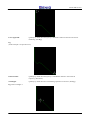
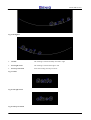
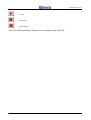
CAD Offset not enabled
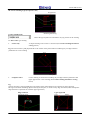
CAD Offset enabled
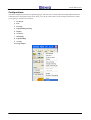
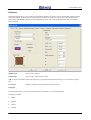
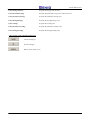
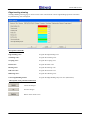
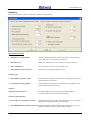
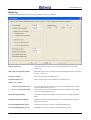
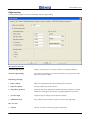
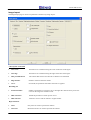
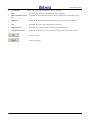
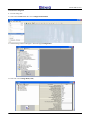
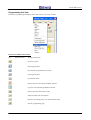
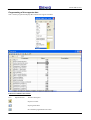
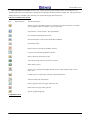
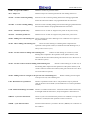
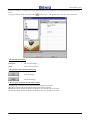
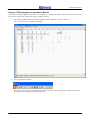
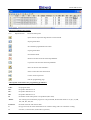
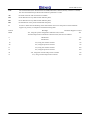
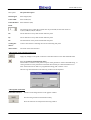
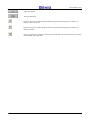
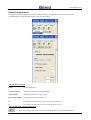
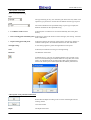
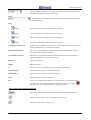
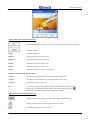
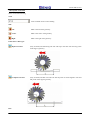
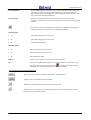
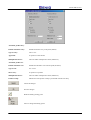
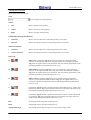
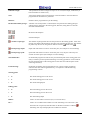
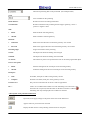
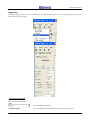
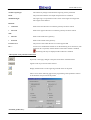
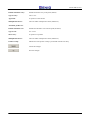
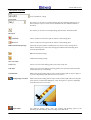
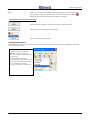
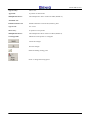
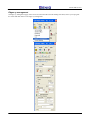
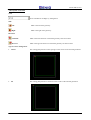
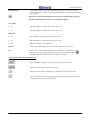
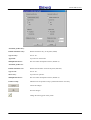
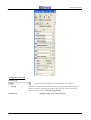
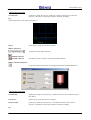
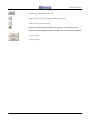
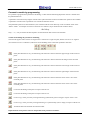
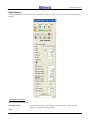
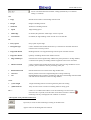
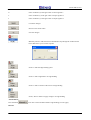
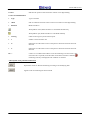
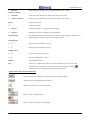
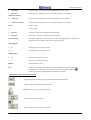
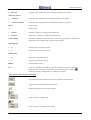
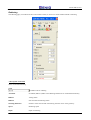
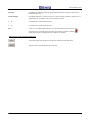
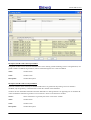
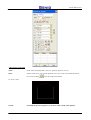
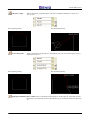
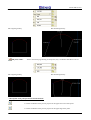
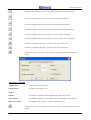
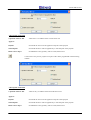
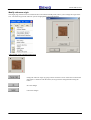
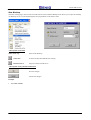
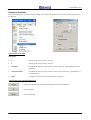
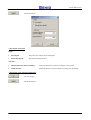
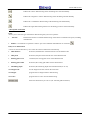
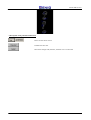
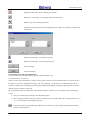
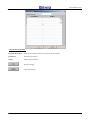
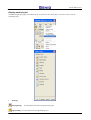
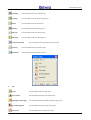
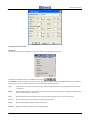
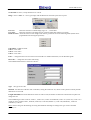
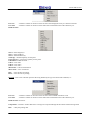
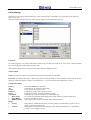
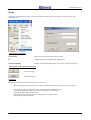
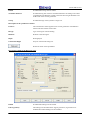
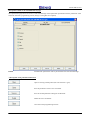
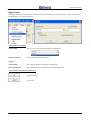
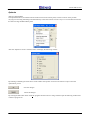
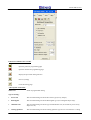
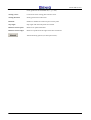
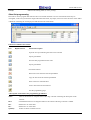
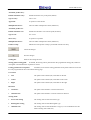
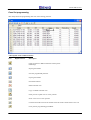
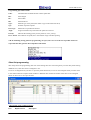
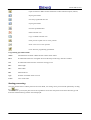
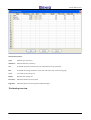
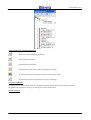
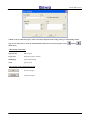
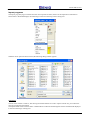
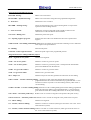
A description of the push-button functions
If pressed, applies changes to the panel on the basis of the data below
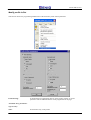
Appears when no machining has been selected
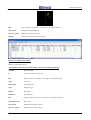
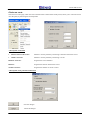
Displays the data relative to the milling selected on the panel
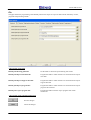
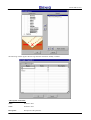
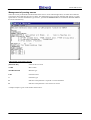
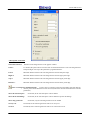
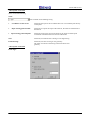
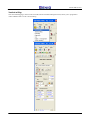
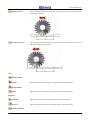
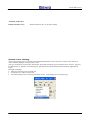
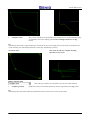
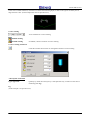
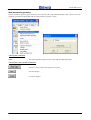
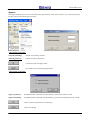
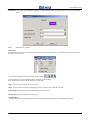
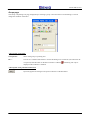
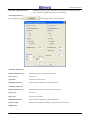
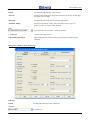
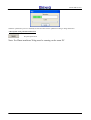
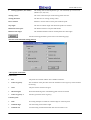
Allows access to the following page for the programming of the parameters relative to the
automatic entry/exit from the profile.
98