1
Editing Test Data (Clinical Use)
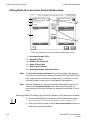
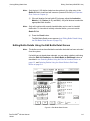
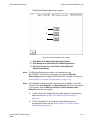
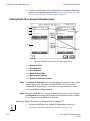
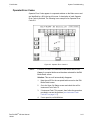
Viewing/Editing Bottle Data
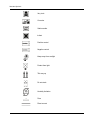
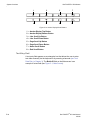
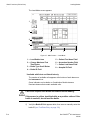
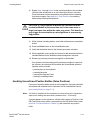
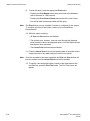
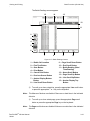
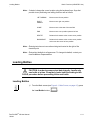
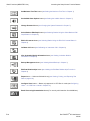
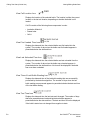
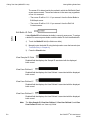
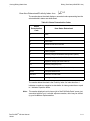
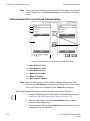
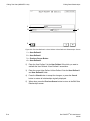
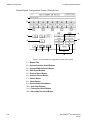
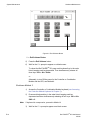
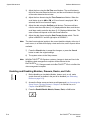
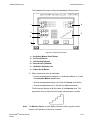
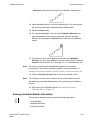
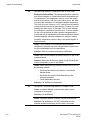
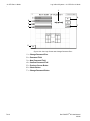
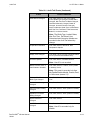
View Cell Location Icon
Displays the location of the selected bottle. The location is either the current
location or the last cell location, depending on whether the bottle is still
loaded.
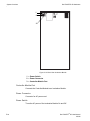
Cell ID consists of the following three components in order:
• Incubation Module #
• Drawer letter
• Cell #
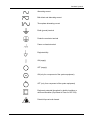
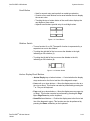
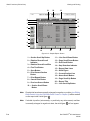
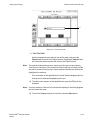
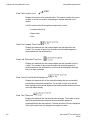
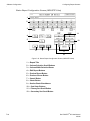
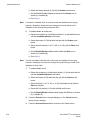
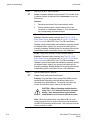
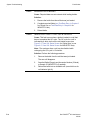
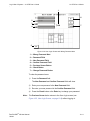
View First Loaded Time Icon
Displays the date and time the selected bottle was first loaded into the
system. The number of days since the bottle was first loaded appears in
parenthesis below the date and time.
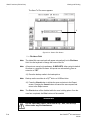
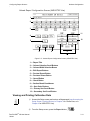
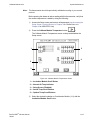
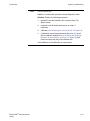
View Last Unloaded Time Icon
Displays the date and time the selected bottle was last unloaded from the
system. The number of days since the bottle was unloaded appears in
parenthesis below the date and time. No time will be displayed if the bottle
has never been unloaded.
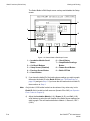
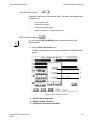
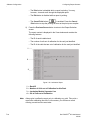
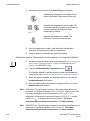
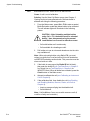
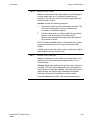
View Time of Last Bottle Reading Icon
Displays the date and time of the last bottle reading that was successfully
processed by the detection algorithm. The number of days since the last
bottle reading was processed appears in parenthesis below the date and time
of the last bottle reading.
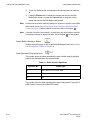
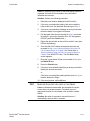
View Test Time Icon
Displays the date and time the last test result changed. The number of days
that have passed between load and last determination appears in
parenthesis below the date and time. The date and time will not be displayed
if the bottle's status has not changed from negative-to-date.
5-8
BacT/ALERT® 3D User Manual
95248