1
147
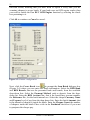
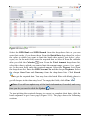
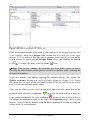
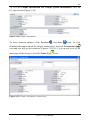
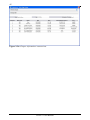
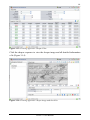
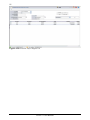
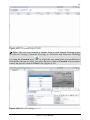
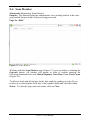
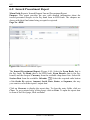
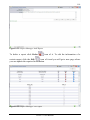
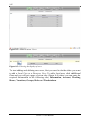
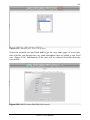
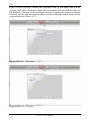
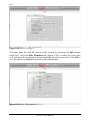
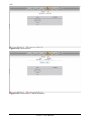
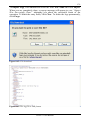
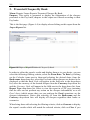
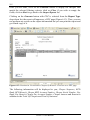
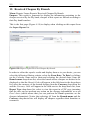
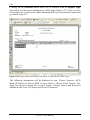
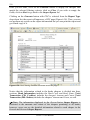
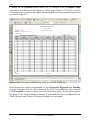
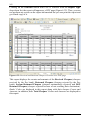
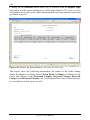
Figure 8-5: Add Local User/ Account
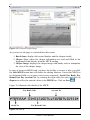
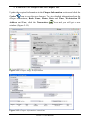
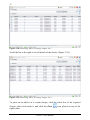
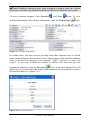
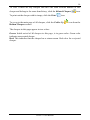
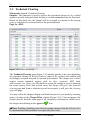
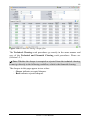
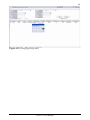
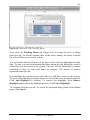
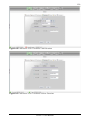
Next, click the Account tab (Figure 8-5) to enter the account’s particulars. Enter
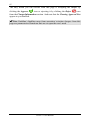
icon and select the required
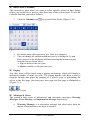
the Expiration Date by clicking the Calendar
date, from the pop-up calendar.
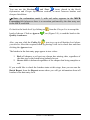
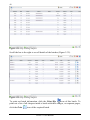
The date will appear in the following format; dd/mm/yyyy. Place a check in the
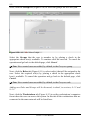
Concurrent Logins check box if you would like to set unlimited number of users
who may login to the system at a time, with the same user login name. If you
would like to set a certain number of logins simultaneously, then leave the check
box empty where a new field will be enabled to enter the required number of
logins. Place a check in the Account Lock check box, if you want to enable the
account locking action and impose some sort of restriction and by this the
Account will be Locked. If you leave the check box empty, so you impose no
restriction on the account. The Account Activation appears selected or not
selected according to your choice of the policy setting of the user’s account. This
can be obtained from the Administration/ Policy/ enable account locking option.
To unlock the account, remove the check from inside the box. If you don’t want
to allow the user to change the password, place a check in the check box User
Can’t Change Password. If you want to allow the user to change the password
immediately after the first login, place a check in the check box User Must
Change Password.
To continue click the next tab. To cancel the operation and go back to the default
page, click Cancel.
PS-ECC User Manual