1
5
Security
System-authenticated users (i.e., users that are logged on) may change their password
through the Change Password feature.
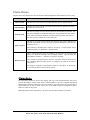
Security menu
The Security menu option within the Child and Adult Care Food Program module is the access point to the
Change Password and User Manager functions.
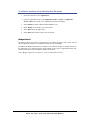
To access the Security menu
1.
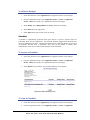
Select Security on the blue menu bar at the top of the page.
The Security menu displays.
2.
Select a security item to access that security function.
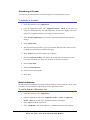
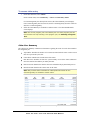
To access Change Password
1.
On the blue menu bar, select Security.
2.
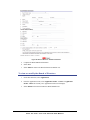
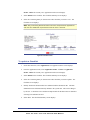
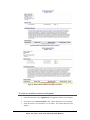
On the Security menu, select Change Password. The Change Password screen displays.
3.
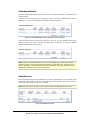
Enter your New Password.
4.
Re-Enter your New Password.
5.
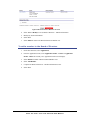
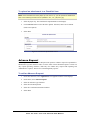
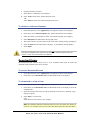
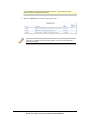
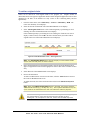
Select Save. A confirmation message displays.
6.
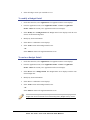
Select <Edit to return to the Change Password screen you just modified.
-ORSelect Finish to return to the Security menu.
59
CHILD AND ADULT CARE FOOD PROGRAM USER MANUAL