1
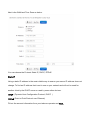
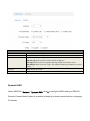
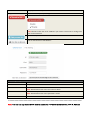
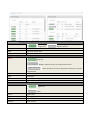
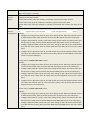
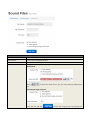
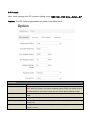
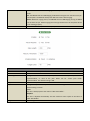
General Setting
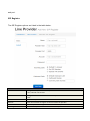
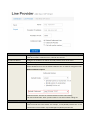
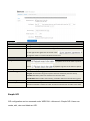
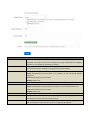
Provider
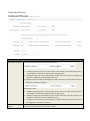
Select one DDNS provider from the list.
Username
Enter the user name of your DDNS account.
Password
Enter the password of your DDNS account.
Domain
Enter the domain name that you registered with your DDNS service provider
Check Time
Enter the check time value
VPN
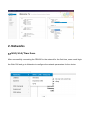
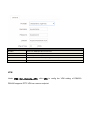
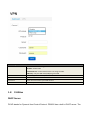
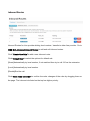
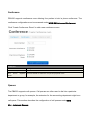
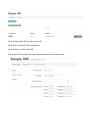
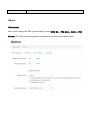
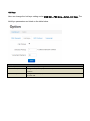
Under WEB GUI—Networks—VPN, click VPN to config the VPN setting of PBX220.
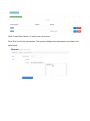
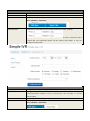
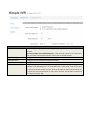
PBX220 supports PPTP VPN as a server endpoint.