1
1.13 PBX More
1.14 Sound Files
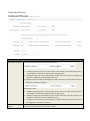
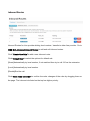
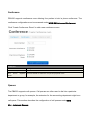
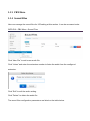
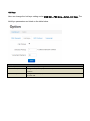
User can manage the sound files for IVR setting at this section. It can be accessed under
WEG GUI—PBX More—Sound Files.
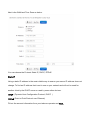
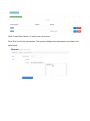
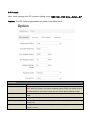
Click “New File” to add a new audio file.
Click “Listen” and enter the extension number to listen the audio from the configured
extension.
Click “Edit” to edit the audio setting.
Click “Delete” to delete the audio file.
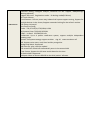
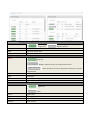
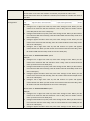
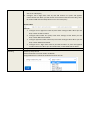
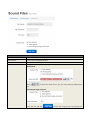
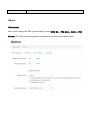
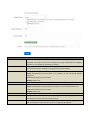
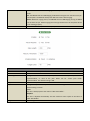
The sound files configuration parameters are listed on the table below.