1
SIP Protocol
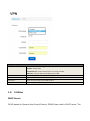
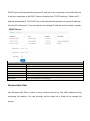
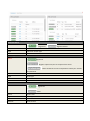
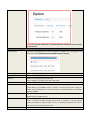
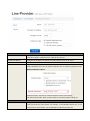
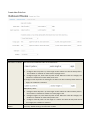
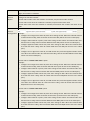
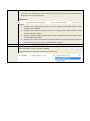
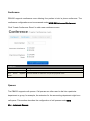
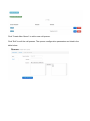
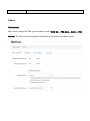
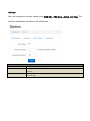
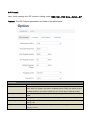
User could manage the SIP protocol setting under WEB GUI—PBX More—Option—SIP
Protocol. The SIP Protocol parameters are listed on the table below.
SIP Protocol
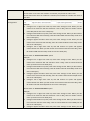
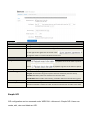
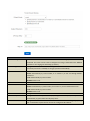
Anonymous Call In
Check yes to allow anonymous call in, check no to disable it.
TCP/UDP Bind Port
Configure TCP/UDP port number used for SIP. Default setting is 6620.
Note: When you register an IP Phone to PBX220, please modify your phone SIP port
to 6620. Otherwise, you need to modify the port number 6620 in PBX220 to 5060.
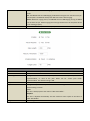
Max Register Expiry
Configure the maximum period (in seconds) of registration. The default setting is
3600.
Min Register Expiry
Configure the minimum period (in seconds) of registration. The default setting is 20.
Default Register Expiry
Configure the default minimum period (in seconds) of registration. The default
setting is 60.
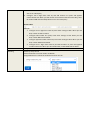
Progress Mode
Configure whether PBX220 should generate inbound ringing or not. The default
setting is “never”.