1
CSM LE User Guide 1.3
3.6 resume books
Resume Books enables employers to browse batch student resumes that have been sorted by
screening criteria.
3.6.1 View Resume Books
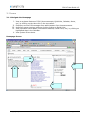
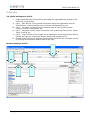
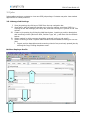
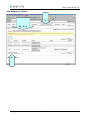
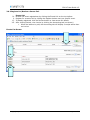
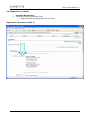
I. View resume books by clicking on RESUME BOOKS from the top navigation bar.
II. View a pre-packaged group of student resumes by clicking on the Resume Books tab,
and then clicking on a resume book link in the Name column.
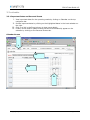
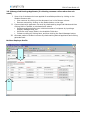
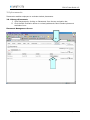
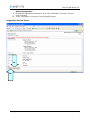
III. Refine the resume list by Major, Year in School and Applicant Type by utilizing the
dropdown menus at the top.
IV. View a resume by clicking on the document icon in the Resume column.
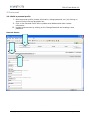
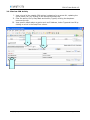
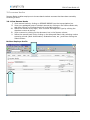
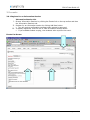
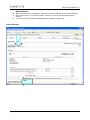
V. Refine the resume book list by clicking on the Advanced Search tab, selecting various
screening criteria (Work Authorization, Graduation Date, etc.), and then clicking the
Submit button.
Build an Employer Profile
I.
II.
Copyright © 2004
Confidential
Page 9 of 17