1
Digital Video Recorder CMS User Manual
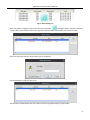
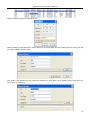
Click OK button to enter the Login interface. Refer to Fig 3.2 and input the password in the password text box. If the user
doesn’t remember the password, he/she can press ‘Get System Password’ button to have the password mailed to the
preconfigured email address.
Fig 3.2 Login Interface
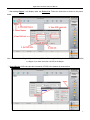
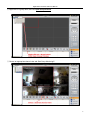
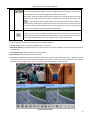
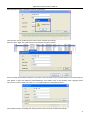
Click 'OK' button to enter the Control Center. The Control Center Interface is shown below in Fig 3.3.
Fig 3.3 Control Center Interface
14