1
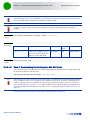
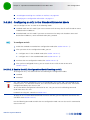
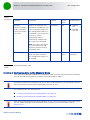
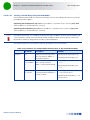
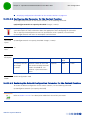
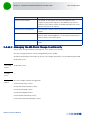
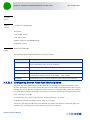
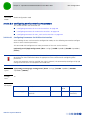
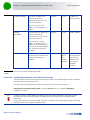
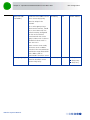
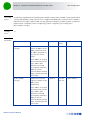
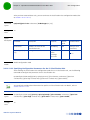
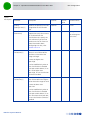
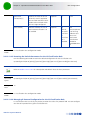
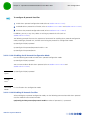
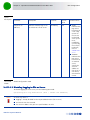
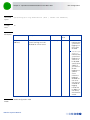
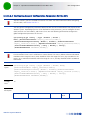
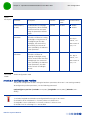
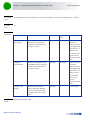
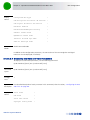
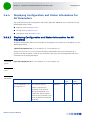
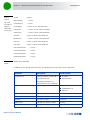
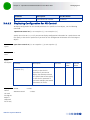
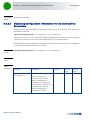
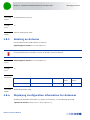
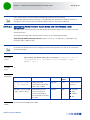
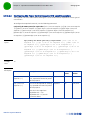
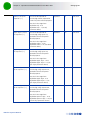
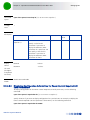
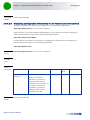
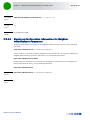
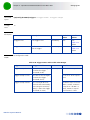
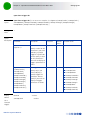
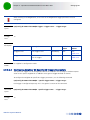
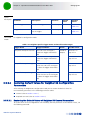
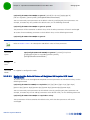
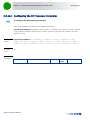
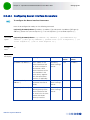
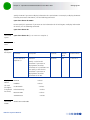
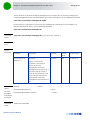
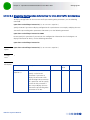
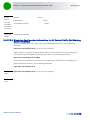
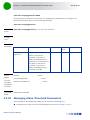
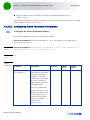
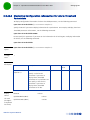
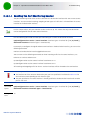
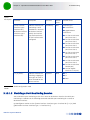
Chapter 3 - Operation and Administration of the Macro BTS 3.3.2 Shutting Down/Resetting the System Managing System Reset System reset refers to a complete shutdown and reboot of the 4Motion system. You can use the CLI to manually reset the system. It is also possible that the system may be reset because of an internal or external error, or after the NPU is upgraded. After the system is reset and boots up, you can use the CLI to retrieve the reason for the last system reset. For more information about using the CLI to display the reason for system reset, refer to “Displaying the Reason for the Last System Reset” on page 115. 3.3.2.1 NOTE! Resetting the system Before resetting the system, it is recommended that you: Save the configuration file. For more information about saving the current configuration, refer to Section 3.4.5.1. Periodically make a backup of log files on the NPU flash if you have configured logs to be written to file. This file does not store log messages after the system is reset or shut down. For details, refer to Section 3.4.13.1.5. To reset the system, run the following command: npu# reset A few seconds after you run this command, the 4Motion system is shut down, and then boots up with the last saved configuration. Command Syntax npu# reset Privilege Level 10 Command Modes Global command mode 3.3.2.2 Displaying the Reason for the Last System Reset The 4Motion system may be reset because of any of the following reasons. NPU upgrade Health failure (an internal module does not respond to the periodic health messages sent by the system) 4Motion System Manual 115