1
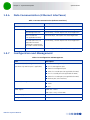
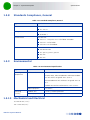
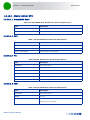
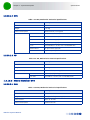
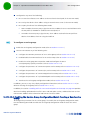
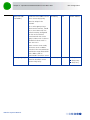
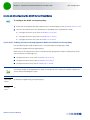
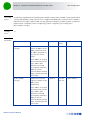
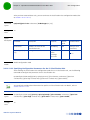
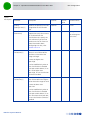
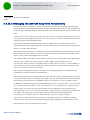
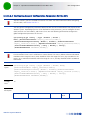
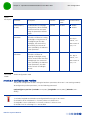
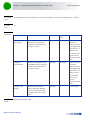
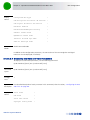
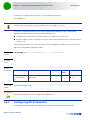
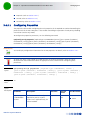
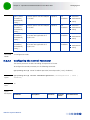
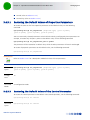
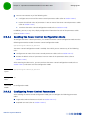
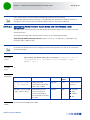
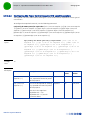
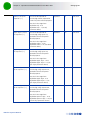
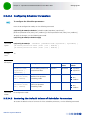
Chapter 3 - Operation and Administration of the Macro BTS Managing BSs In addition, you can, at any time, display configuration information for each of the Airframe parameters tables (refer to Section 3.9.12.5). 3.9.12.1 Enabling the Airframe Configuration Mode To configure the Airframe parameters, first enable the Airframe configuration mode. Run the following command to enable the Airframe configuration mode. npu(config-bs-66053)# airframe After enabling the Airframe configuration mode, you can execute any of the following tasks: Configure one or more of the Airframe parameters tables (refer to Section 3.9.12.2) Restore the default values of parameters in one or more of the Airframe parameters tables (refer to Section 3.9.12.3) After executing the above tasks, you can terminate the Airframe configuration mode (refer to Section 3.9.12.4) and return to the BS configuration mode. Note that for properly completing the Airframe configuration the apply command must be executed prior to exiting the Airframe configuration mode. Command Syntax npu(config-bs-66053)# airframe Privilege Level 10 Command Modes bs configuration mode 3.9.12.2 Configuring Airframe Parameters After enabling the Airframe configuration mode you can configure the following parameters tables: General (refer to Section 3.9.12.2.1) Map Zone (refer to Section 3.9.12.2.2) Downlink Diversity (refer to Section 3.9.12.2.3) Uplink Feedback Zone (refer to Section 3.9.12.2.4) Downlink Data Zone (refer to Section 3.9.12.2.5) Uplink Data Zone (refer to Section 3.9.12.2.6) Mimo (refer to Section 3.9.12.2.7) 4Motion System Manual 539