1
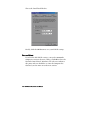
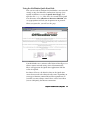
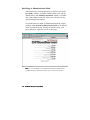
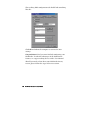
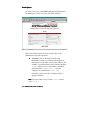
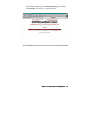
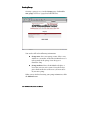
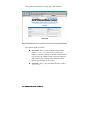
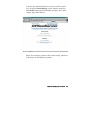
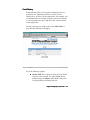
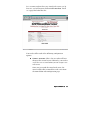
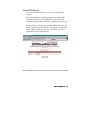
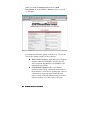
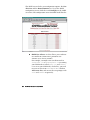
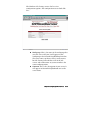
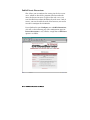
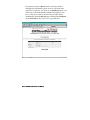
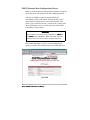
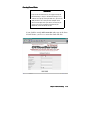
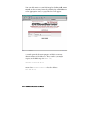
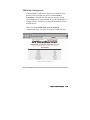
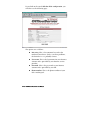
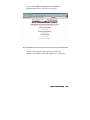
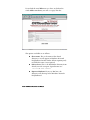
You need to provide the following information:
!
IP Address. This must be the valid IP address given
to you by your ISP for your virtual server, for
example, 192.168.1.113. Read the section called
Domain Name Server (DNS) in the Network Settings
to find out how to associate a name with this IP
address, if necessary.
!
Owner. This is the user account that will be in
charge of the virtual FTP server. The owner controls
which files will appear on the FTP server, and
where. He is also the only user (other than
anonymous) who can log in to the virtual FTP
server.
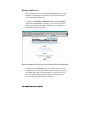
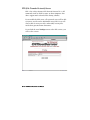
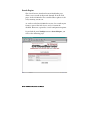
When you have finished entering this information, click the
Save button to initialize your virtual FTP server.
8–8 NetWinder OfficeServer User Manual