1
21
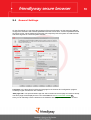
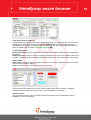
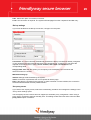
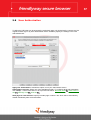
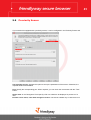
With this dialog you can view and edit the name, address (for user-defined buttons only) and the
related image. The drop-down list contains all images of the selected picture folder. Use OK to
confirm and Cancel to reset changes.
Tip: You can also define different images for different states of the button, e.g. disabled, pressed
and "hot" (when mouse cursor is placed over the button). Just add the required images to the picture
folder and correctly name them. For example, if the name of the image is back.gif, the related hot
button should be named as back_p.bmp , and the disabled one– as back_d.gif.
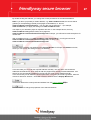
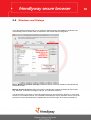
Select the color of various control elements
The "Display" tab of the secure browser configuration program allows you to define colors of various
control elements: background color of the address bar, virtual keyboard, toolbar and the text color for
button labels. When you click on the corresponding color boxes, the "Select color" window is
displayed:
21