1
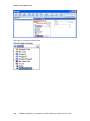
Tools Tab
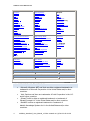
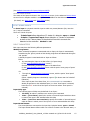
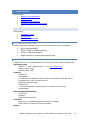
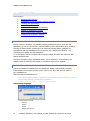
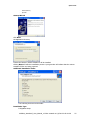
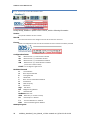
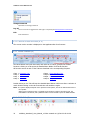
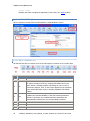
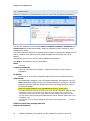
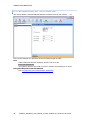
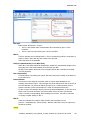
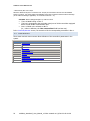
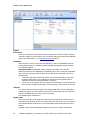
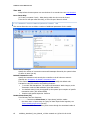
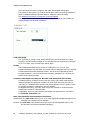
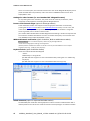
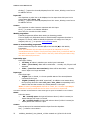
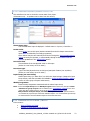
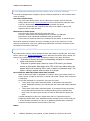
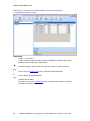
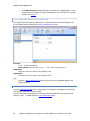
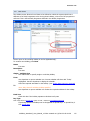
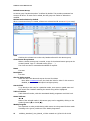
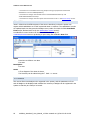
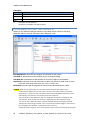
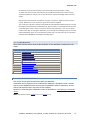
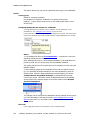
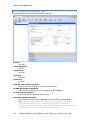
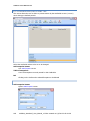
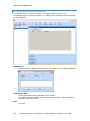
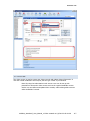
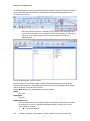
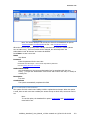
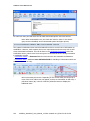
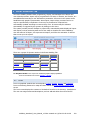
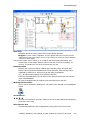
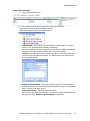
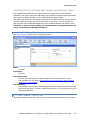
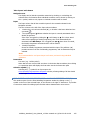
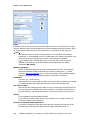
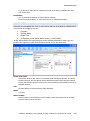
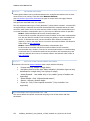
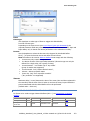
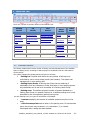
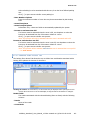
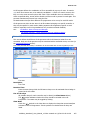
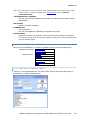
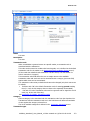
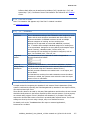
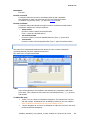
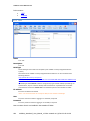
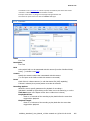
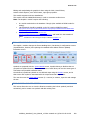
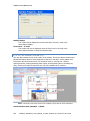
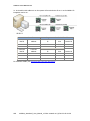
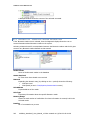
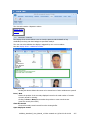
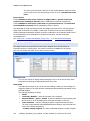
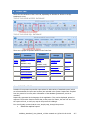
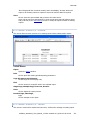
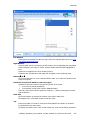
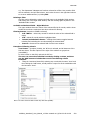
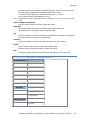
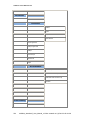
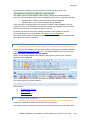
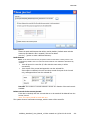
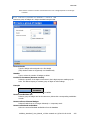
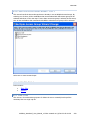
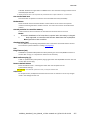
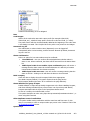
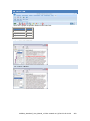
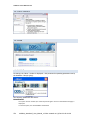
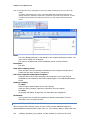
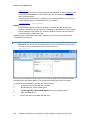
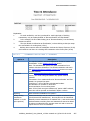
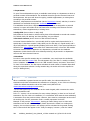
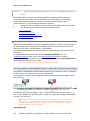
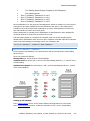
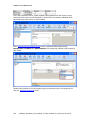
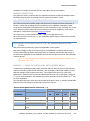
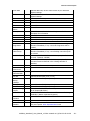
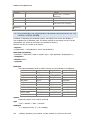
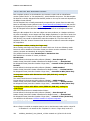
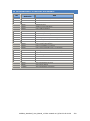
The following tabs are available in the Tools/Options screen:
Files Location
Language
Communication
Journal / Log
screen
Menu
General
Server
SQL Server / BIO
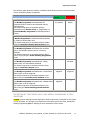
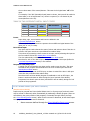
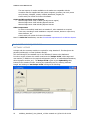
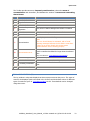
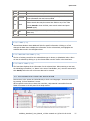
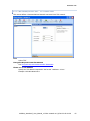
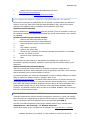
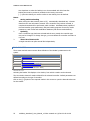
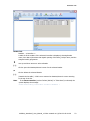
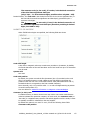
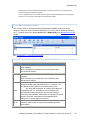
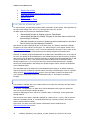
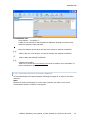
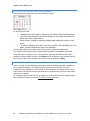
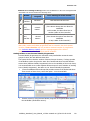
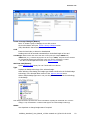
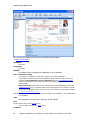
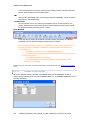
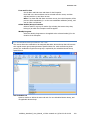
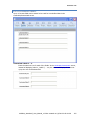
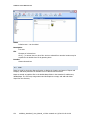
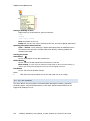
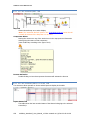
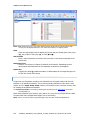
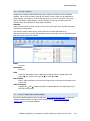
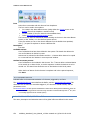
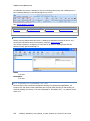
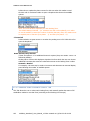
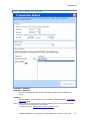
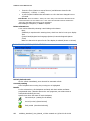
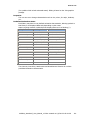
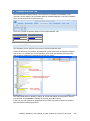
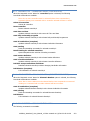
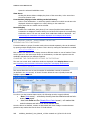
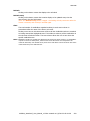
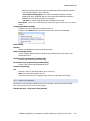
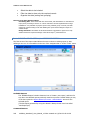
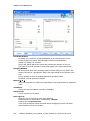
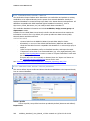
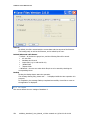
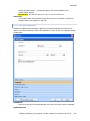
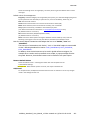
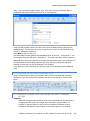
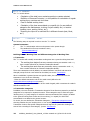
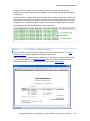
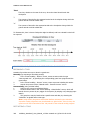
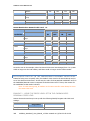
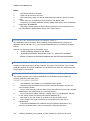
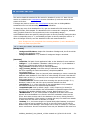
Under each tab, the following buttons are always displayed:
Restore Default Values
Resets all Default Values – selecting this button will reset all Options to the
system default settings.
A message is displayed requiring the Application to be restarted.
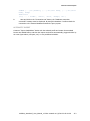
Use with care: Note that ALL options are reset, not only the selected Tab.
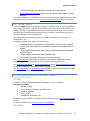
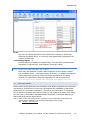
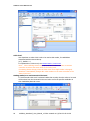
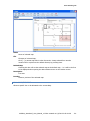
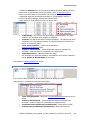
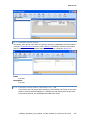
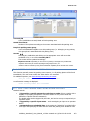
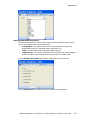
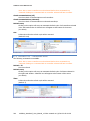
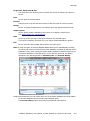
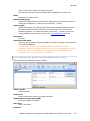
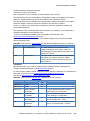
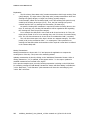
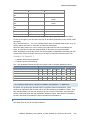
OK/Cancel
For all Option tabs, the OK/Cancel button allows the user to activate or cancel any
changes made in the settings for that Tab
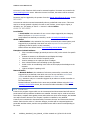
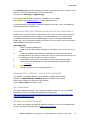
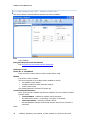
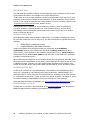
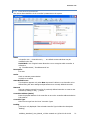
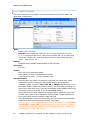
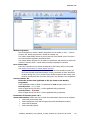
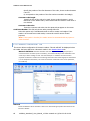
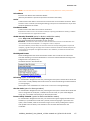
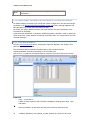
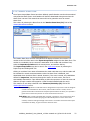
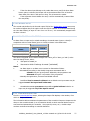
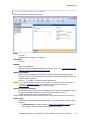
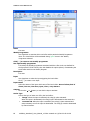
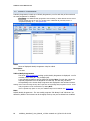
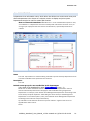
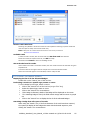
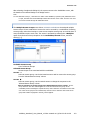
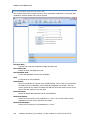
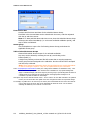
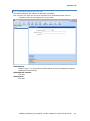
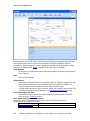
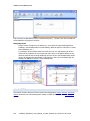
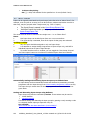
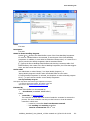
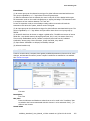
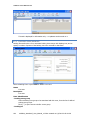
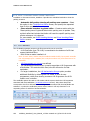
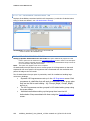
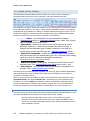
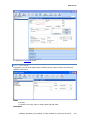
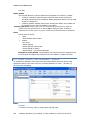
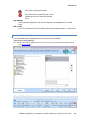
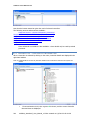
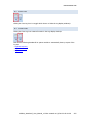
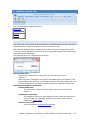
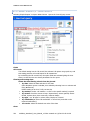
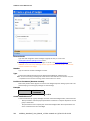
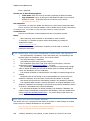
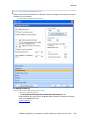
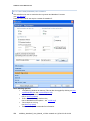
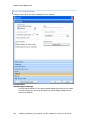
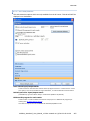
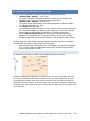
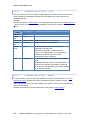
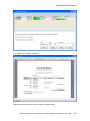
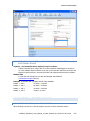
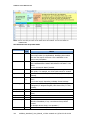
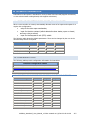
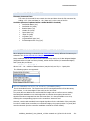
9.5.2.1 OPTIONS/FILE LOCATION
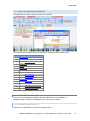
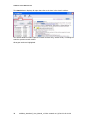
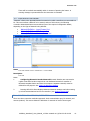
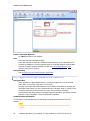
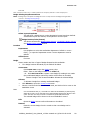
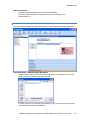
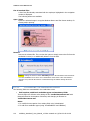
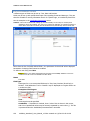
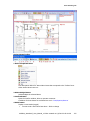
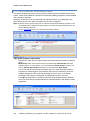
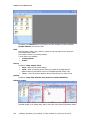
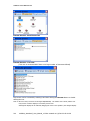
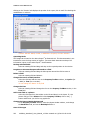
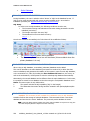
This tab defines the location of the database files, the background picture of the main screen,
and the Report folder.
10UE600_Amadeus5_User_Manual_v2.3.doc created on 1/2/2012 2:43:00 PM
251