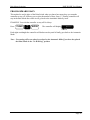
1
Rain Master Irrigation
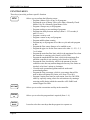
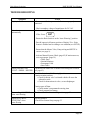
STATIONS
START
TIMES
QUICK
STATIONS
RME HAWK User Manual
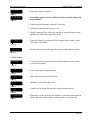
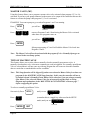
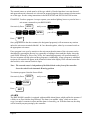
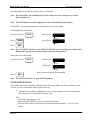
Is used to select the stations and runtimes in each program. If the program is
specified to be a cycle and soak one, via Setup, then it is also used to set the
maximum time and soak time for each station.
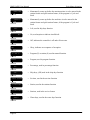
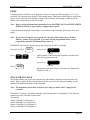
Is used to select the start time(s) for each program. (up to 5 per program).
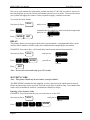
Is used when a block of stations with the same runtime is being programmed.
If the program is specified to be a cycle and soak one, via Setup, then it is
used to program a block of stations with the same runtime, maximum time
and soak time.
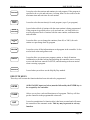
WATER
%
BUDGET
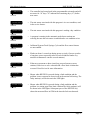
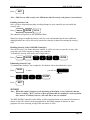
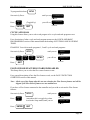
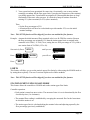
Is used to allow you to change the runtimes (from 0% to 300%) for each
station on a percentage basis by program
REVIEW
Is used to review all the information on each program in the controller. Is also
used to look at the total gallons used.
MANUAL
SKIP DAYS
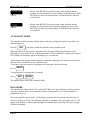
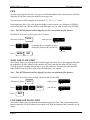
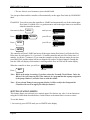
Is used to allow you to turn on a program, station, or check all stations.
Additional uses include locking and unlocking the controller once a security
access code has been entered via SETUP, and advancing to the next station
when executing a program.
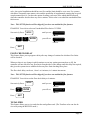
Is used when you wish to use the Skip By Day method.
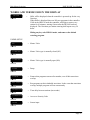
EXECUTE KEYS
These keys will execute the function that has been selected to be programmed.
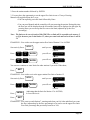
ENTER
All DATA KEY input (see below) must be followed by the ENTER key to
be accepted by the controller.
CLEAR
Allows you to clear a selected function out of a program. This key will also
put the controller in the programmable rain mode.
QUIT
Is used on completion of a function after it has been executed and will return
the controller to the automatic mode. This key may be pressed to exit any
function.
Page 21