1
Rapise User's Guide
261
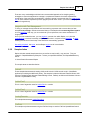
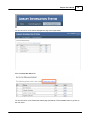
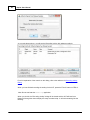
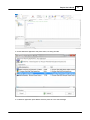
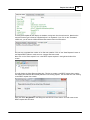
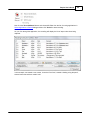
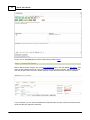
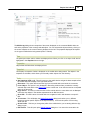
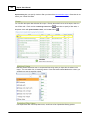
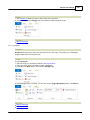
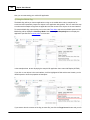
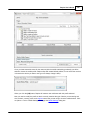
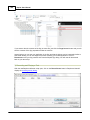
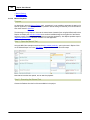
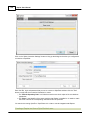
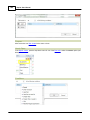
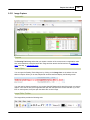
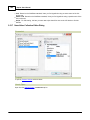
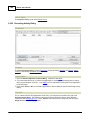
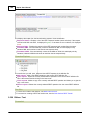
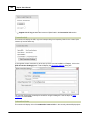
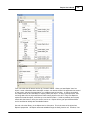
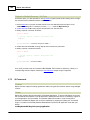
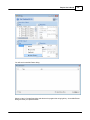
This section displays a list of test set that are either created by the current Spira user, are assigned to
the current Spira user, or are assigned to the automation host that this instance of Rapise is installed
on:
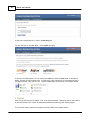
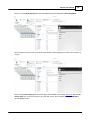
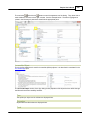
Each test set will be displayed with the ID, name and long description of the test set.
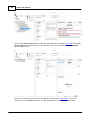
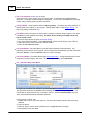
Clicking on the hyperlink ID will open up the test set inside Spira in your web browser. For test sets
that are marked as automated, there will be an [Execute] button available. Clicking on this button will
execute the test in RapiseLauncher. This is described in more detail in the SpiraTest Integration
topic.
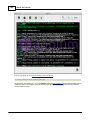
2.5.39 Spy Dialog
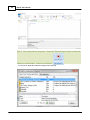
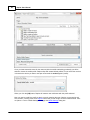
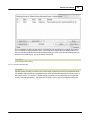
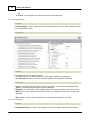
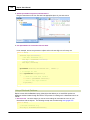
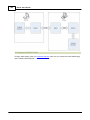
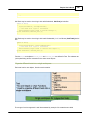
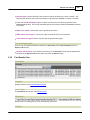
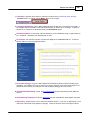
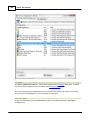
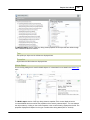
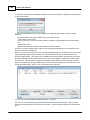
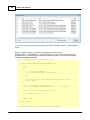
Screenshot
Purpose
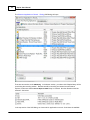
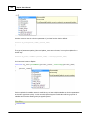
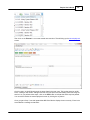
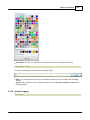
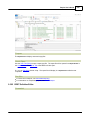
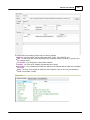
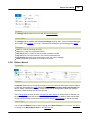
The Spy dialog is used to Object Spy.
© 2015 Inflectra Corporation