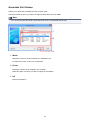
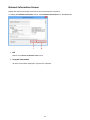
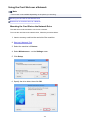
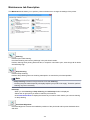
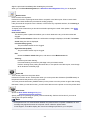
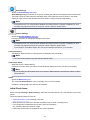
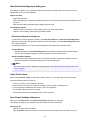
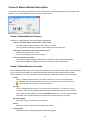
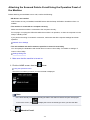
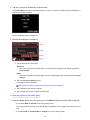
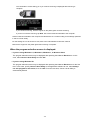
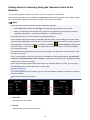
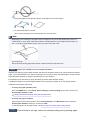
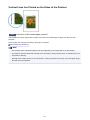
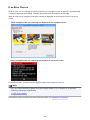
When Printing Becomes Faint or Colors Are Incorrect
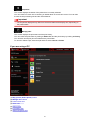
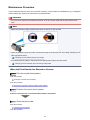
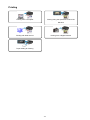
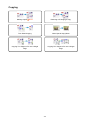
Maintenance Procedure
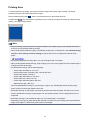
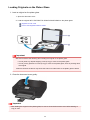
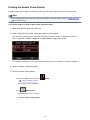
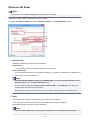
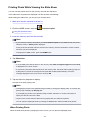
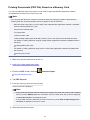
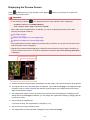
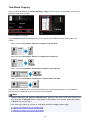
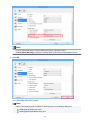
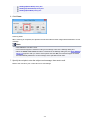
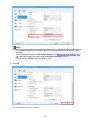
Printing the Nozzle Check Pattern
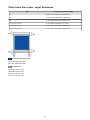
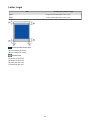
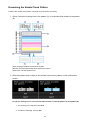
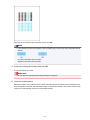
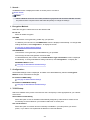
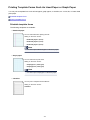
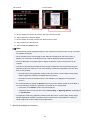
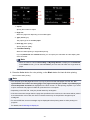
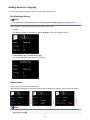
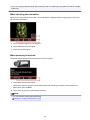
Examining the Nozzle Check Pattern
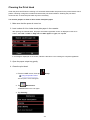
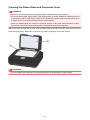
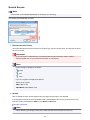
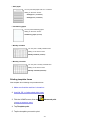
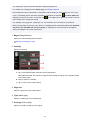
Cleaning the Print Head
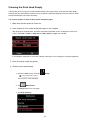
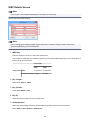
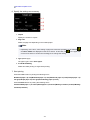
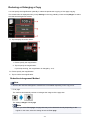
Cleaning the Print Head Deeply
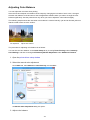
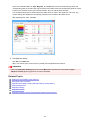
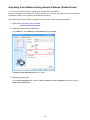
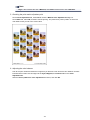
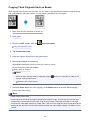
Aligning the Print Head
194