1
Application Management
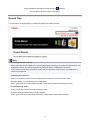
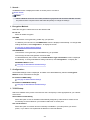
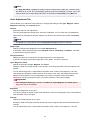
This section explains how to add, delete, and sort apps.
Add apps
You can add your favorite apps to the printer.
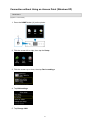
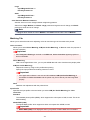
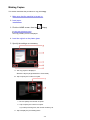
Follow the steps described below to add apps.
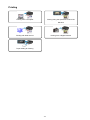
Cloud
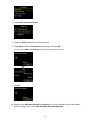
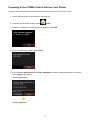
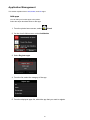
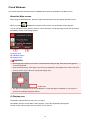
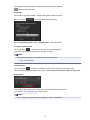
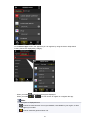
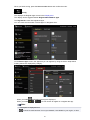
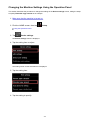
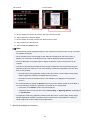
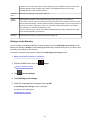
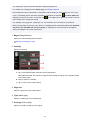
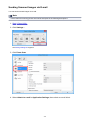
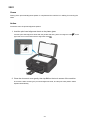
1. From the printer home screen, select
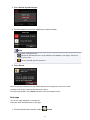
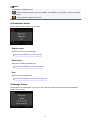
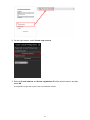
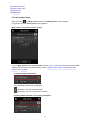
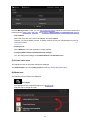
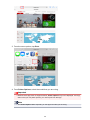
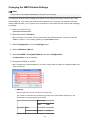
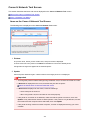
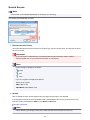
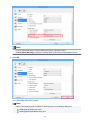
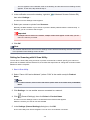
2. On the cloud's Main screen, select Add/delete
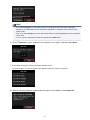
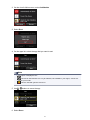
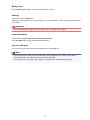
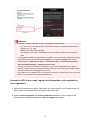
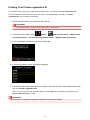
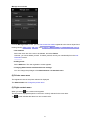
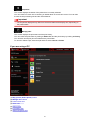
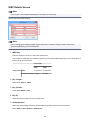
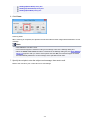
3. Select Register apps
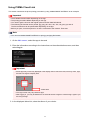
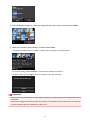
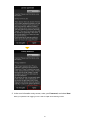
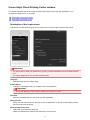
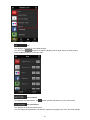
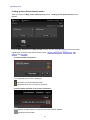
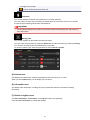
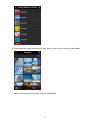
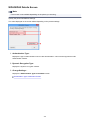
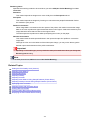
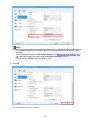
4. From the list, select the category of the app
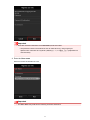
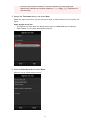
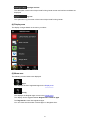
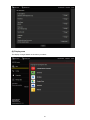
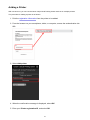
5. From the displayed apps list, select the app that you want to register
50