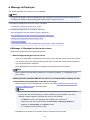
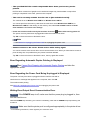
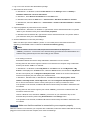
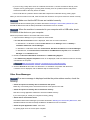
1680
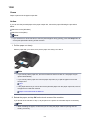
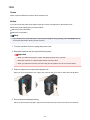
Cause
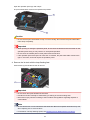
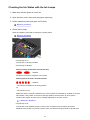
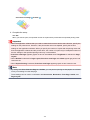
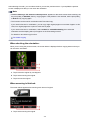
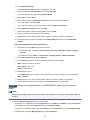
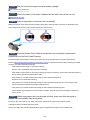
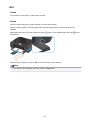
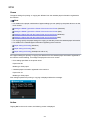
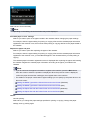
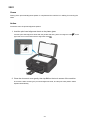
Some ink tanks are not installed in the correct position. (The lamp on the ink tank flashes.)
Action
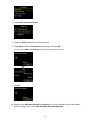
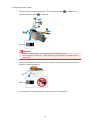
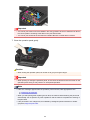
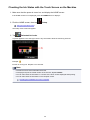
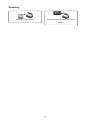
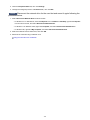
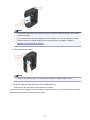
Confirm that the ink tanks are installed in the appropriate positions.
897