1
KY-3120DM Industrial Ethernet Switch User Guide
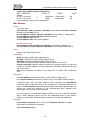
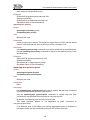
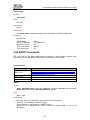
directly connected to user terminals as edge ports.
Normally, configuration BPDUs cannot reach an edge port because the port is not
connected to another switch. But when the BPDU protection function is disabled
on an edge port, configuration BPDUs sent deliberately by a malicious user may
reach the port. If an edge port receives a BPDU, it turns into a non-edge port.
Examples
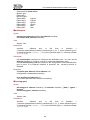
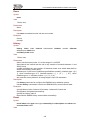
(Ethernet0/1)# spanning-tree edge
Setting successfully
(Ethernet0/1)# no spanning-tree edge
Set to default value of disabled successfully.
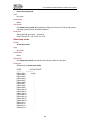
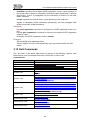
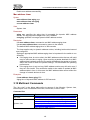
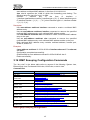
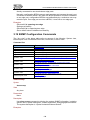
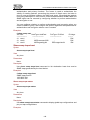
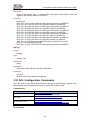
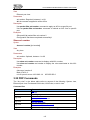
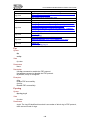
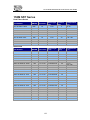
3.19 SNMP Configuration Commands
The “Any view” in the below table refers to anyone of the following: System view,
Ethernet port view, Port-based VLAN view, VLAN view, or dot1x view.
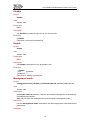
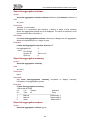
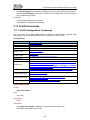
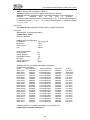
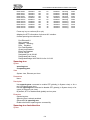
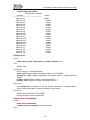
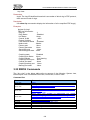
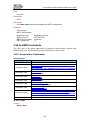
Command list:
View
Any view
Any view
Any view
Any view
Any view
System view
System view
System view
System view
System view
Ethernet port view
Command
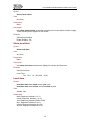
show snmp
show snmp community
show snmp user
show snmp traps-host
show snmp traps-status
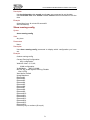
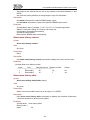
snmp-server { name | description | contact |
location } text
snmp-server community
no snmp-server community community-name
snmp-server user
no snmp-server user username
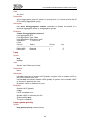
snmp-server traps
no snmp-server traps
snmp-server traps-host host-ip
no snmp-server traps-host host-ip
snmp-traps
no snmp-traps
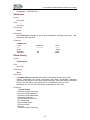
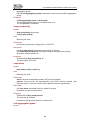
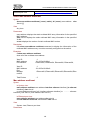
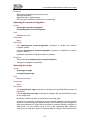
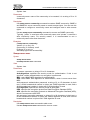
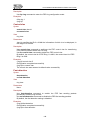
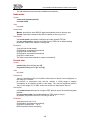
Show snmp
Syntax
show snmp
View
Any view.
Parameters
None.
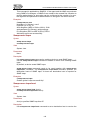
Description
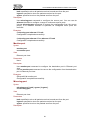
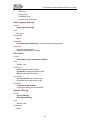
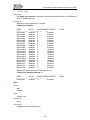
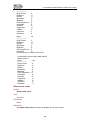
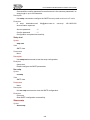
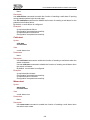
Use show snmp command to display the system SNMP information, including
system name, system description, contact information, and geographical location.
The system description is “Optical Industrial Ethernet Switch”.
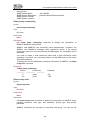
Examples
138