1
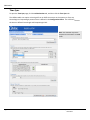
Troubleshooting
Troubleshooting
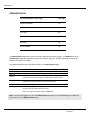
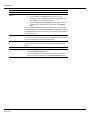
ForInformationOnThisTopic
SeePage
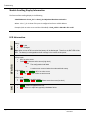
Using Online Help 42 cATM Status Information 43 cATM Errors and Error Codes 43 Creating a cATM Backup in Windows 7 43 Cannot Log in 44 Time Sync 44 Resetting the Admin User and IP Address (Setup Mode) 45 Module Scrolling Display Information 46 LED Information 46 UsingOnlineHelp
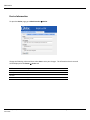
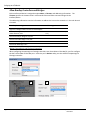
The cATM context‐sensitive Help can be accessed by pressing the Help
icon. It is located on the bottom of the cATM interface screen, and also appears on several of the configuration screens (usually next to OK/Cancel buttons) Page 42 of 47 Online Development. Inc. June 2012